English
-36-
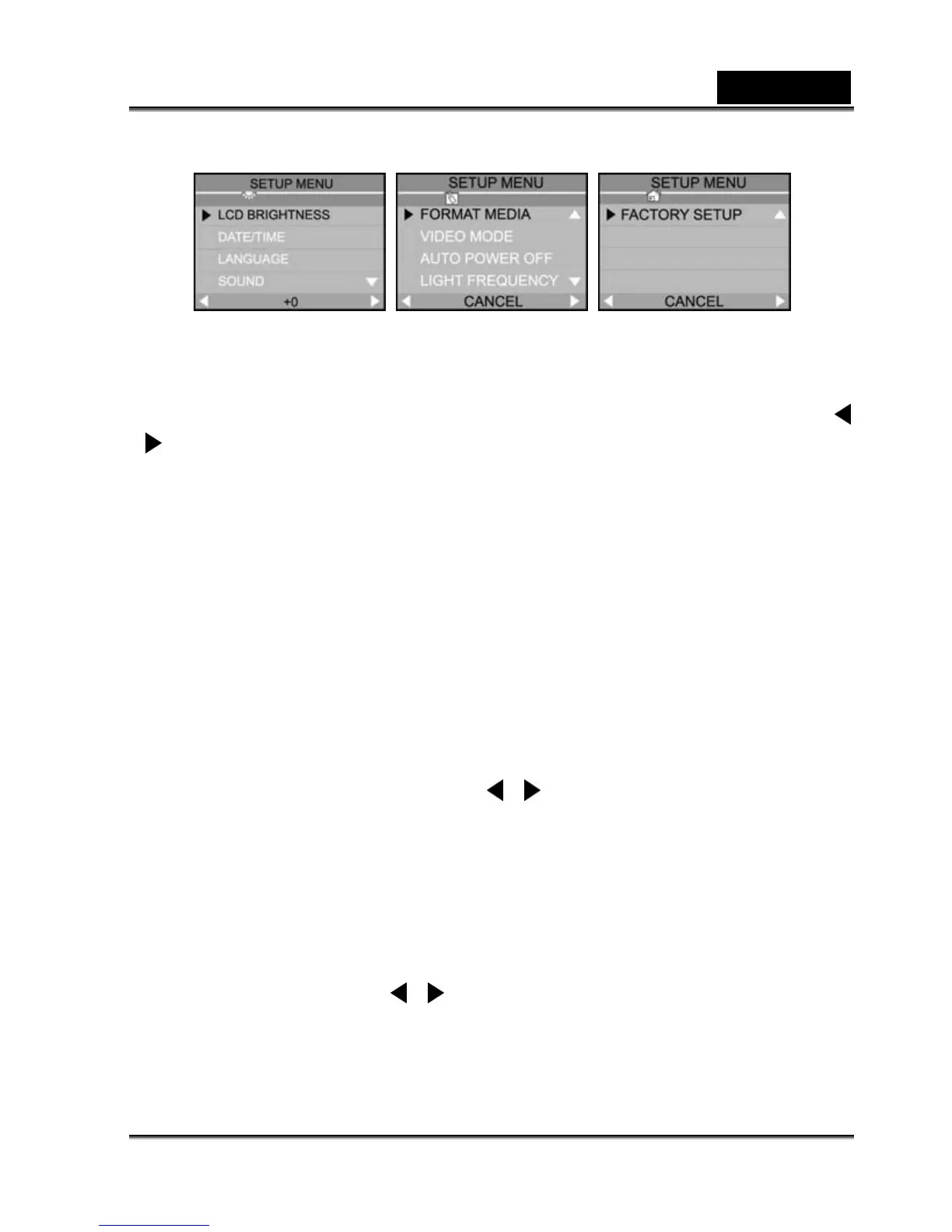
LCD BRIGHTNESS
This option adjusts the brightness of the LCD monitor.
To adjust the LCD brightness, you may increase or decrease the LCD brightness by using the
/
button.
DATE/TIME
After removing the batteries from the camera, the date and time may return to the default settings.
If this happens, reset the date and time when using the camera. Refer to section in this manual
titled "Setting the Date and Time" for further details.
LANGUAGE
This option allows you to select the language for the menus and the text displayed on the LCD
monitor.
Select the desired OSD language by using the
/ button.
Refer to "Setting DPOF" in Playback Mode.
SOUND
The camera produces a sound (beep) each time you press a camera button, if this function is
enabled.
Select [ON] or [OFF] by using the
/ button.



 To Next Page