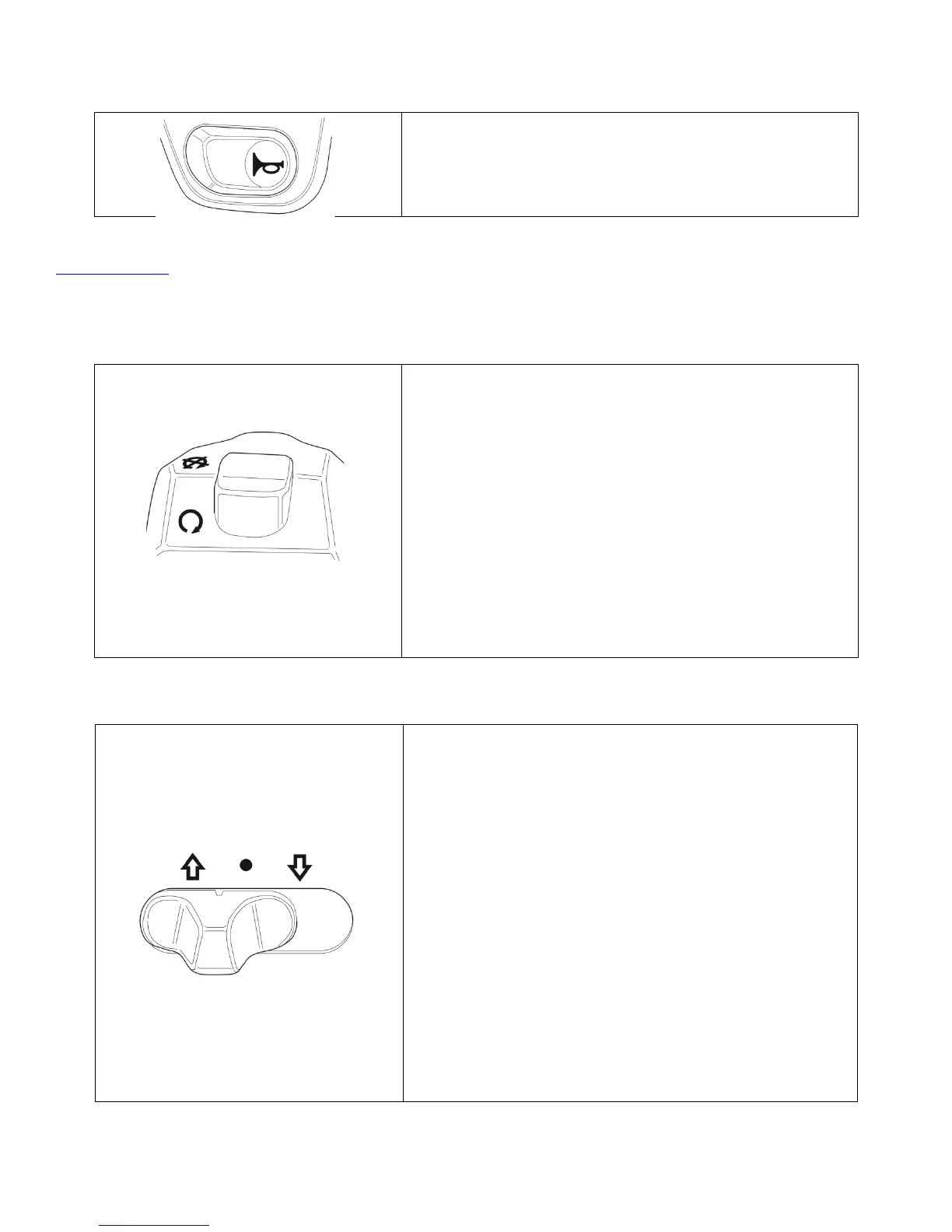
When the system is powered up, the horn sounds
when the button is pressed. Electric vehicles run
quietly. The horn can be used to warn pedestrians
or other motorists of your presence.
This switch is used to turn off the GenZe 2.0. Once
it is turned on, using the Start button, you must put
the Run/Stop Switch into the run position (if it isn’t
already). The GenZe 2.0 will inhibit drive until the
Run/Stop Switch is put into the run position. If the
switch is not put into the run position within 5
minutes of turning on the GenZe 2.0, it will
automatically turn off.
Once the Run/Stop Switch is in the run position,
switching to stop position will immediately turn it
off (usually takes 1-3 seconds). This will occur
regardless of the current operation, with the
exception of on-vehicle charging.
This switch has 3 positions: forward, neutral, and
reverse. When the switch is moved all the way to
the left (arrow up), this is the forward position, and
the GenZe 2.0 will move forward when you operate
the throttle. When in this position, an “F” will
display on the touch screen. When the switch is
moved to the center (dot), this is the neutral
position. When in this position, an “N” will display
on the touch screen. When the switch is moved all
the way to the right (arrow down), this is the
reverse position, and the GenZe 2.0 will move
backwards when you operate the throttle. When in
this position, an “R” will display on the touch
screen.
NOTE: Before putting the GenZe 2.0 into
forward or reverse, the kickstand should
be put up. If this is not done, a yellow


 To Next Page