Settings
32
Settings
Overview
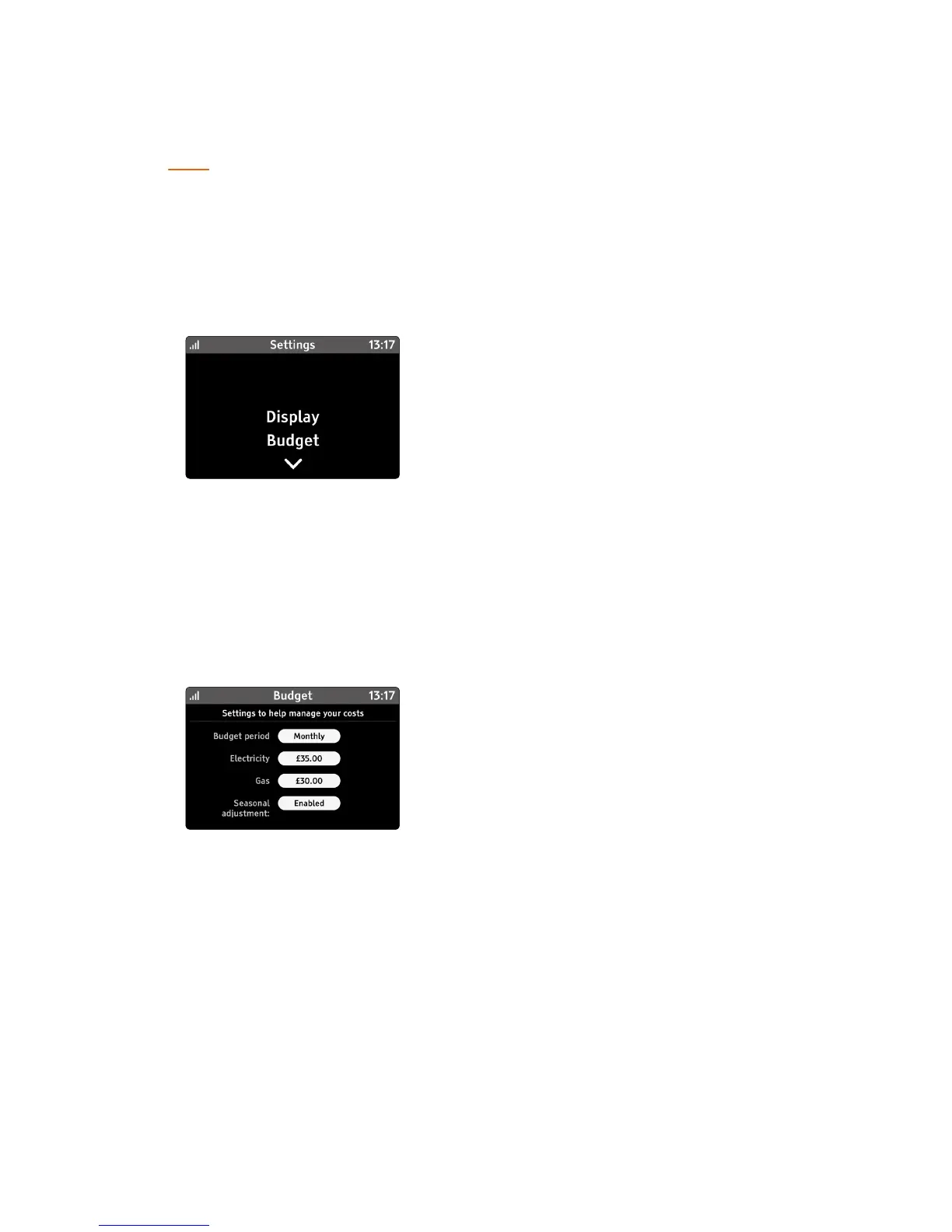
The settings menu can be reached from the main Menu or from the
Quick Access menu.
Use the e and d arrows to change the setting selection and touch
the setting title to view or change the selected setting.
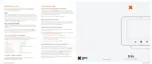
Budget
Select the period for the budget for both fuels; either daily, weekly
or monthly.
Individual budgets can be set for each fuel
Seasonal adjustment
Your Trio can adjust your budget to reect seasonal variation
in consumption.
It is typical to use less energy in the summer months compared to
the winter months.
By default, seasonal adjustment is enabled, select to disable.



 To Next Page