4 - 6
M510C Series Notebook PC
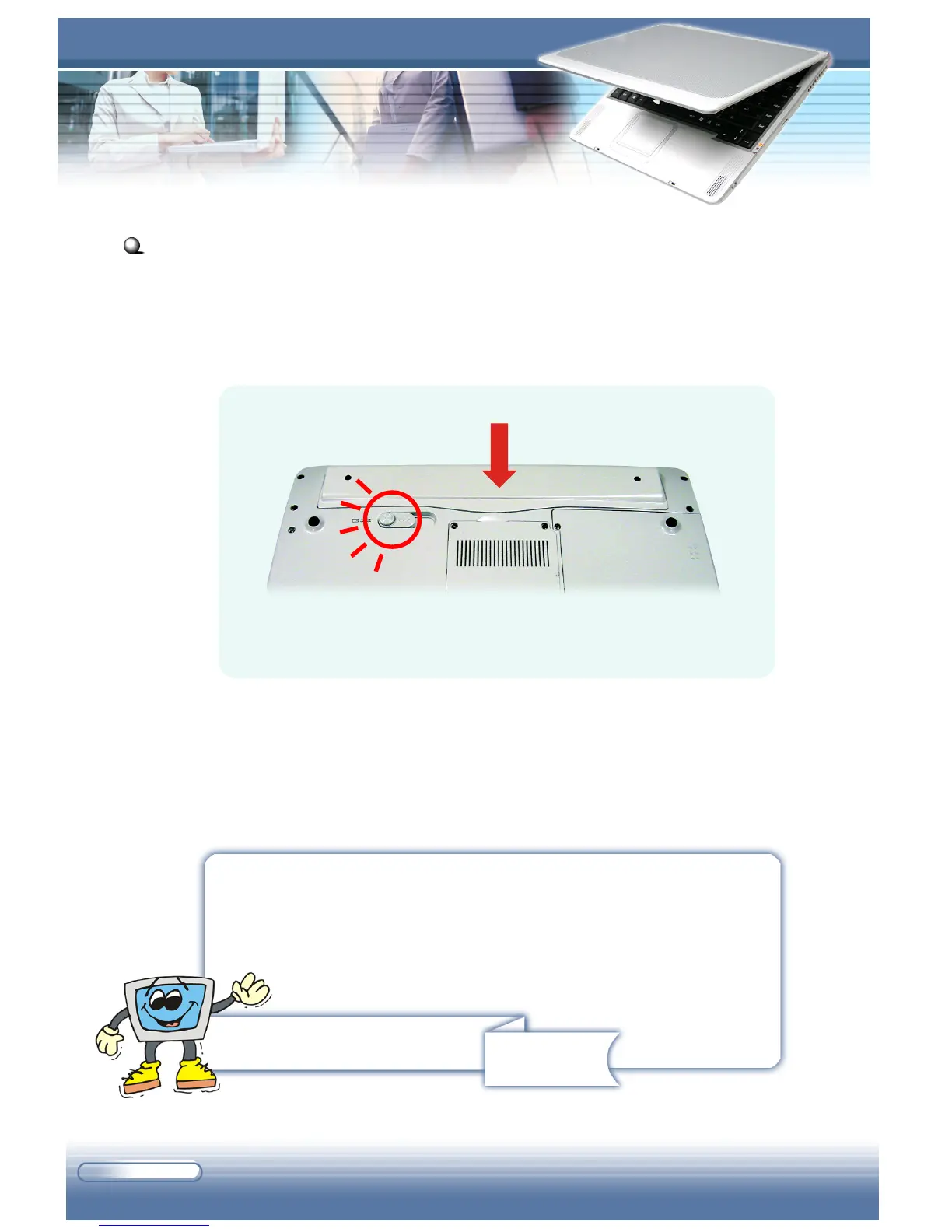
Replacing the battery pack:
1. Place the battery pack into the compartment.
2. Press down the battery pack until a “click” sound. The battery pack
will be locked automatically.
Remind you...
1. Do not try to disassemble the battery pack.
2. Please follow your local laws and regulations to dump
your used battery pack.
Replacing the Battery Pack



 To Next Page