11
Ref
Component Description
Stylus
Serves as the input device by tapping on the
touchscreen to make selections and enter
information.
Tether hole Stylus can be tethered to this hole.
Battery pack
Supplies power to your Tablet PC when external
power is not connected.
NOTE: If you have the high-capacity battery model,
the battery pack looks different from the one shown
here.
Camera i
(optional)
Lights up when the camera lens beside it is in use.
Flash (optional) Provides extra light when taking pictures.
Camera lens
(optional)
Allows you to use the camera function.
RJ45 connector
(optional)
Connects the LAN cable.
NOTE: This option comes together with the RS-232
serial port (located at the top side).
SSD module
Contains the solid-state drive, which is the mass
storage device of your Tablet PC.
CAUTION: This device is not hot-swappable. Do not
remove it without turning off the system first.
Smart card
reader (optional)
Accepts a smart card for additional security
feature.
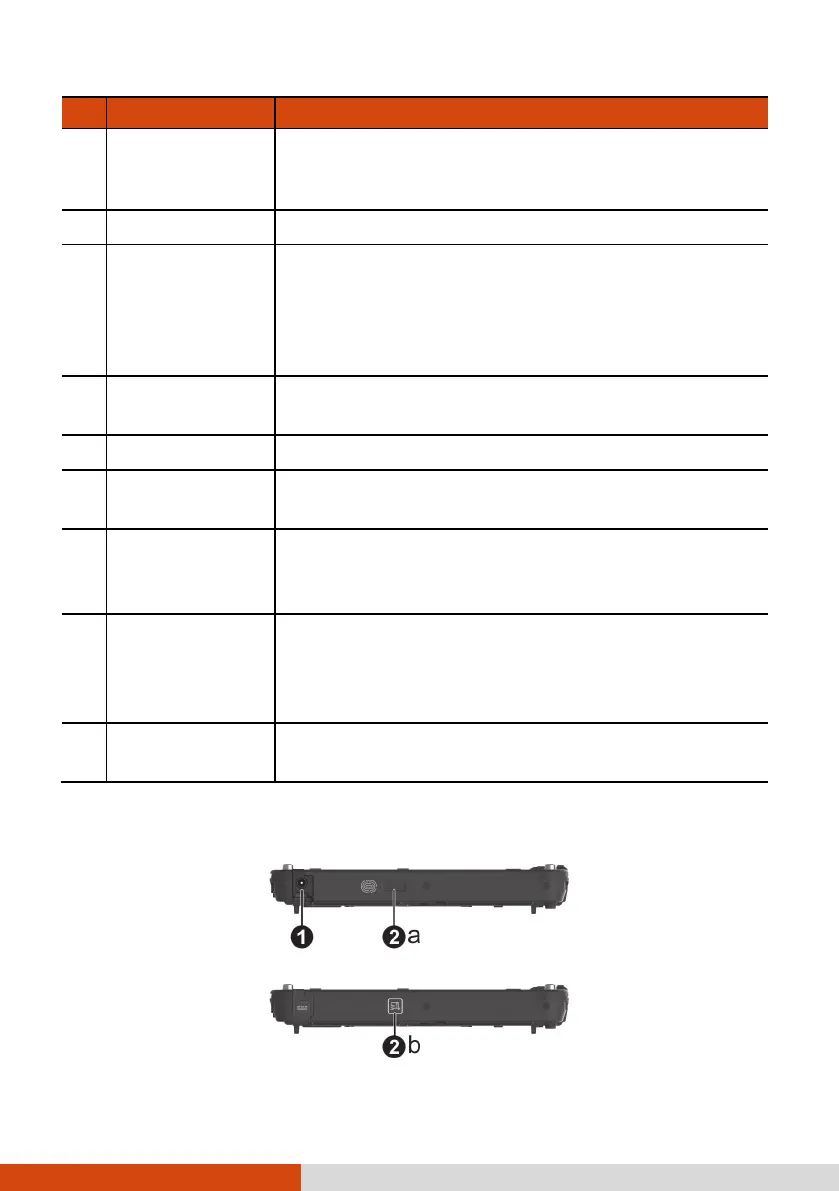
Right-Side Components



 To Next Page