37
NOTE: Thunderbolt ports are backward-compatible with USB-C devices. An USB-
C device plugged into a Thunderbolt port will function normally.
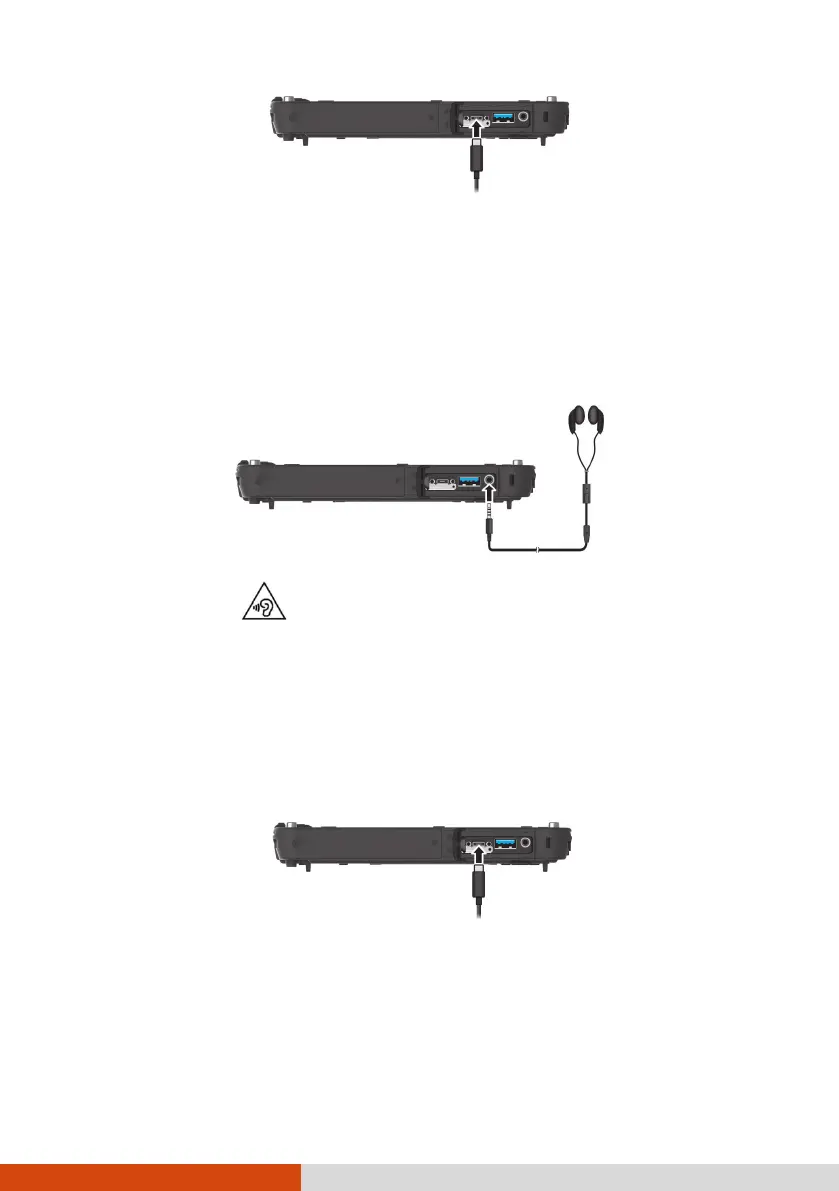
Connecting an Audio Device
The audio combo connector is the “4-pole TRRS 3.5mm” type so you can
connect a compatible headset microphone.
SAFETY WARNING:
To prevent possible hearing damage, do not listen at high volume levels for
long periods.
Connecting a Display Monitor
You can connect a monitor that supports DisplayPort to the Thunderbolt 4
port of your computer.
To switch the display output, use Windows Control Panel or OSD Control
Panel.
DisplayPort
(through Thunderbolt)



 To Next Page