4
Installing the Micro-SIM Card (Optional)
CAUTION: When installing the micro-SIM card, make sure that the power is not
turned on and the AC adapter is not connected.
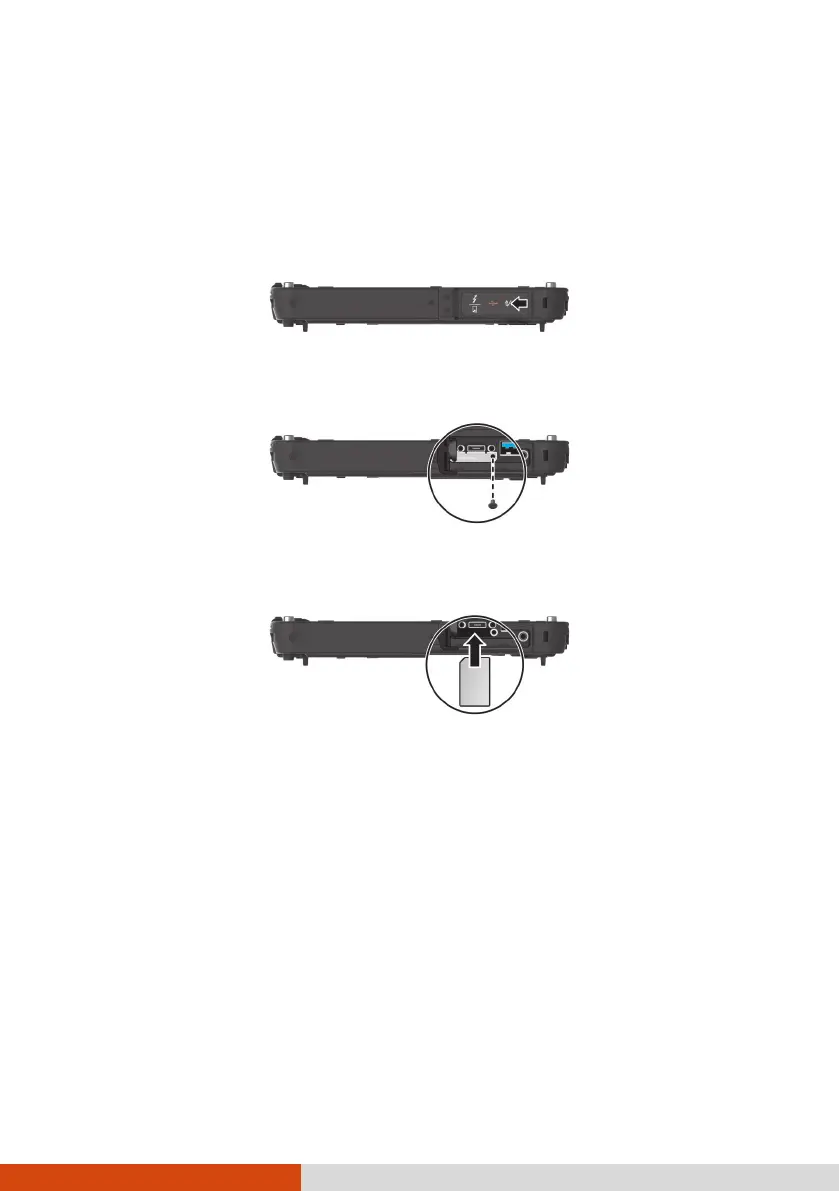
1. Locate the micro-SIM card slot. Slide the protective cover to the unlocked
position and open the cover.
2. Remove one screw to detach the small metal plate that covers the micro-
SIM card slot.
3. Noting the orientation, insert the micro-SIM card all the way into the
slot.
NOTE: To remove the micro-SIM card, just push in the card to release it and then
pull it out.
4. Close the cover.



 To Next Page