22
VH-2600/VH-2600A 115V
F1:3A 250V Fast Blow
F2:3A 250V Fast Blow
F3:1A 250V Fast Blow
F4:4A 250V Fast Blow
Warning: Be sure to replace the correct type of fuse. Do not use unspecified fuse, causing patient injury.
3. Replace fuse.
4. Close the case.
6.2.3. Resetting the Thermal Cutout
1. Open the case.
2. Check the thermal cutout on the heater plate by pushing the reset button with a pen or small screwdriver.
3. If the thermal cutout “clicks” when pushed, it has been previously activated, and is now reset.
NOTE: If the heater plate is still hot, it must be allowed to cool sufficiently before the thermal cutout will
reset.
4. Close the case.
6.2.4. Replacing the Mains Cable
1. Open the case.
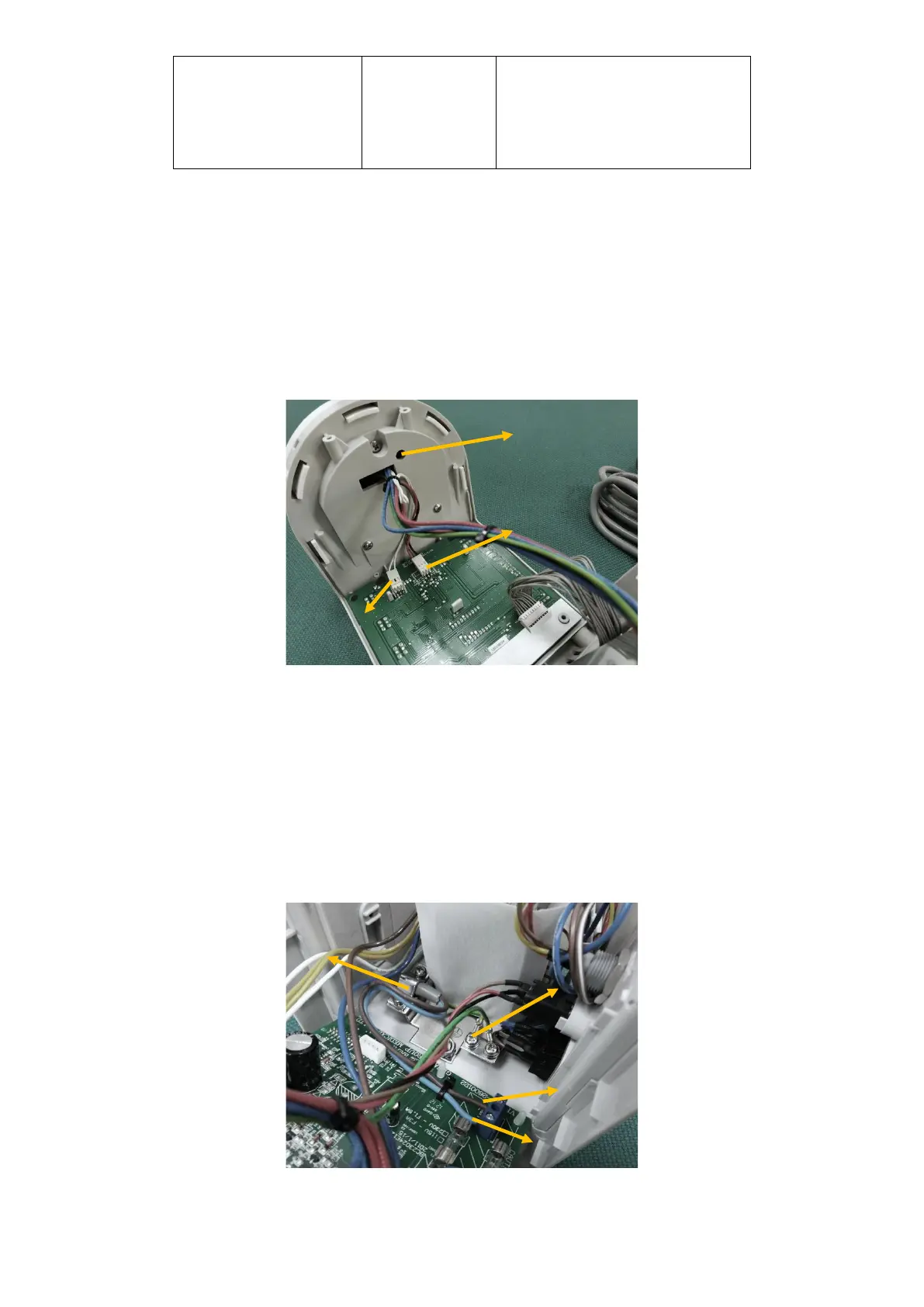
2. Remove then mains cable terminals on the power supply board and cut cable tie on the PCB.
3. Remove the fixed plate.



 To Next Page