50
PUSHTOOPEN
©Ghost Controls
®
2020
TURN CONTROL BOX ON. YOU SHOULD HEAR A SERIES OF BEEPS AS THE SYSTEM
IS TURNED ON
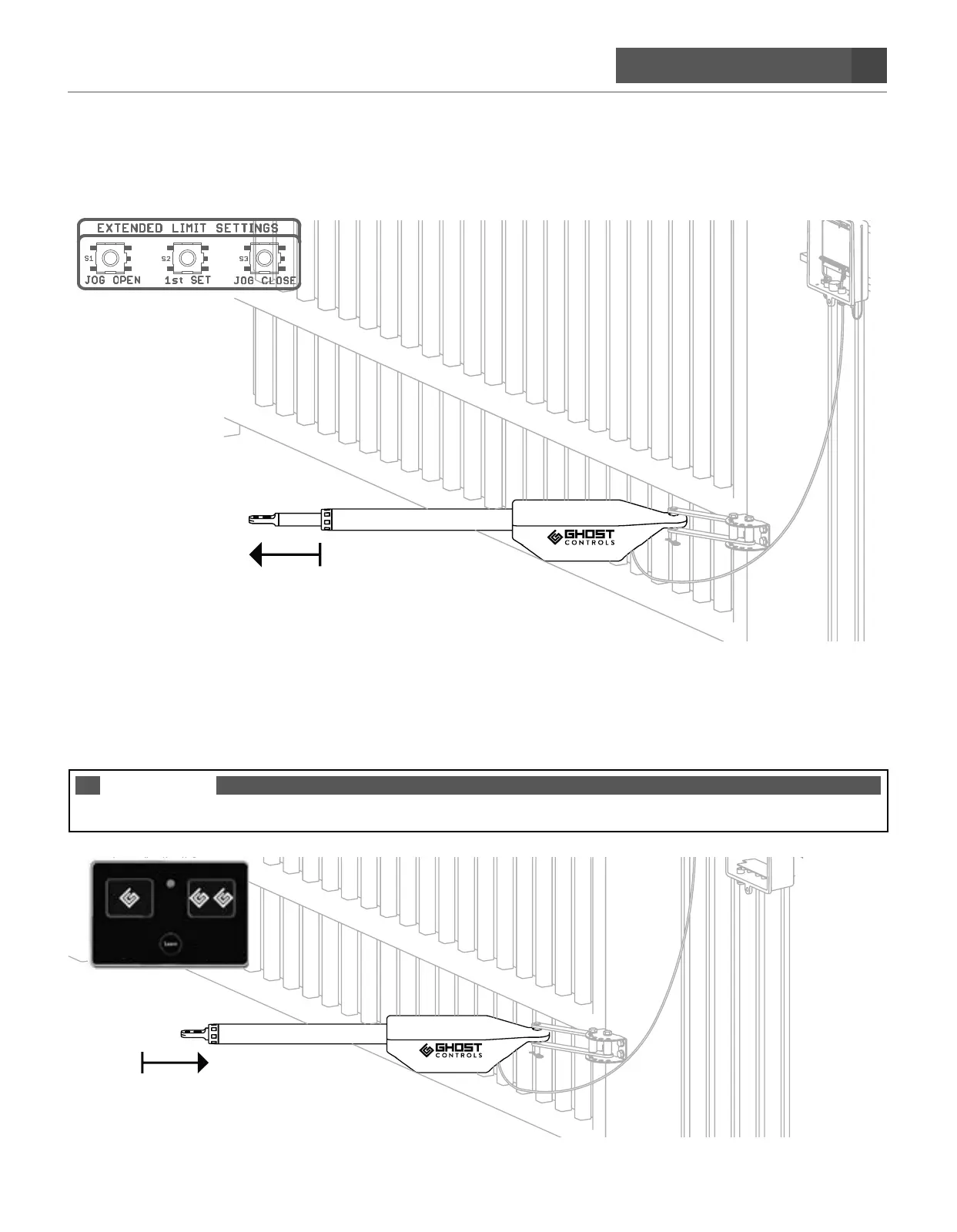
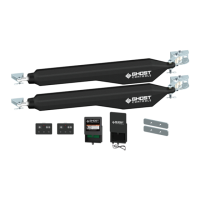
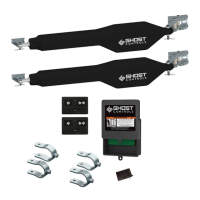
STEP 11. Locate the jog buttons at the top right of control box to test the arm and connections.
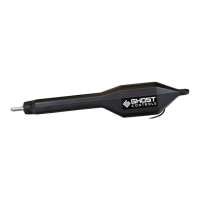
STEP 12. Use the remote transmitter that came in your kit and press first button to fully retract
the arm. The arm will stop on its own.
The arm in the fully retracted position will determine the CLOSED position of the gate.
NOTE
The arm has an internal limit switch that is fixed and is not adjustable.


 To Next Page