58
PUSHTOOPEN
©Ghost Controls
®
2020
SETTING AUTOCLOSE TIME ON YOUR GATE
The AUTOCLOSE TIME setting determines how long the gate will remain open each time it operates before automatically
closing. The factory default setting is o which requires the user to push either a remote transmitter button, keypad code, or
push-button to close the gate.
NOTE
The AUTOCLOSE time period begins once the gate has reached its open limit.
Minimum AUTOCLOSE Time Period Maximum AUTOCLOSE Time Period
6 Seconds 60 Minutes. If longer time is needed, you should enable
PartyMode or Disable AUTOCLOSE.
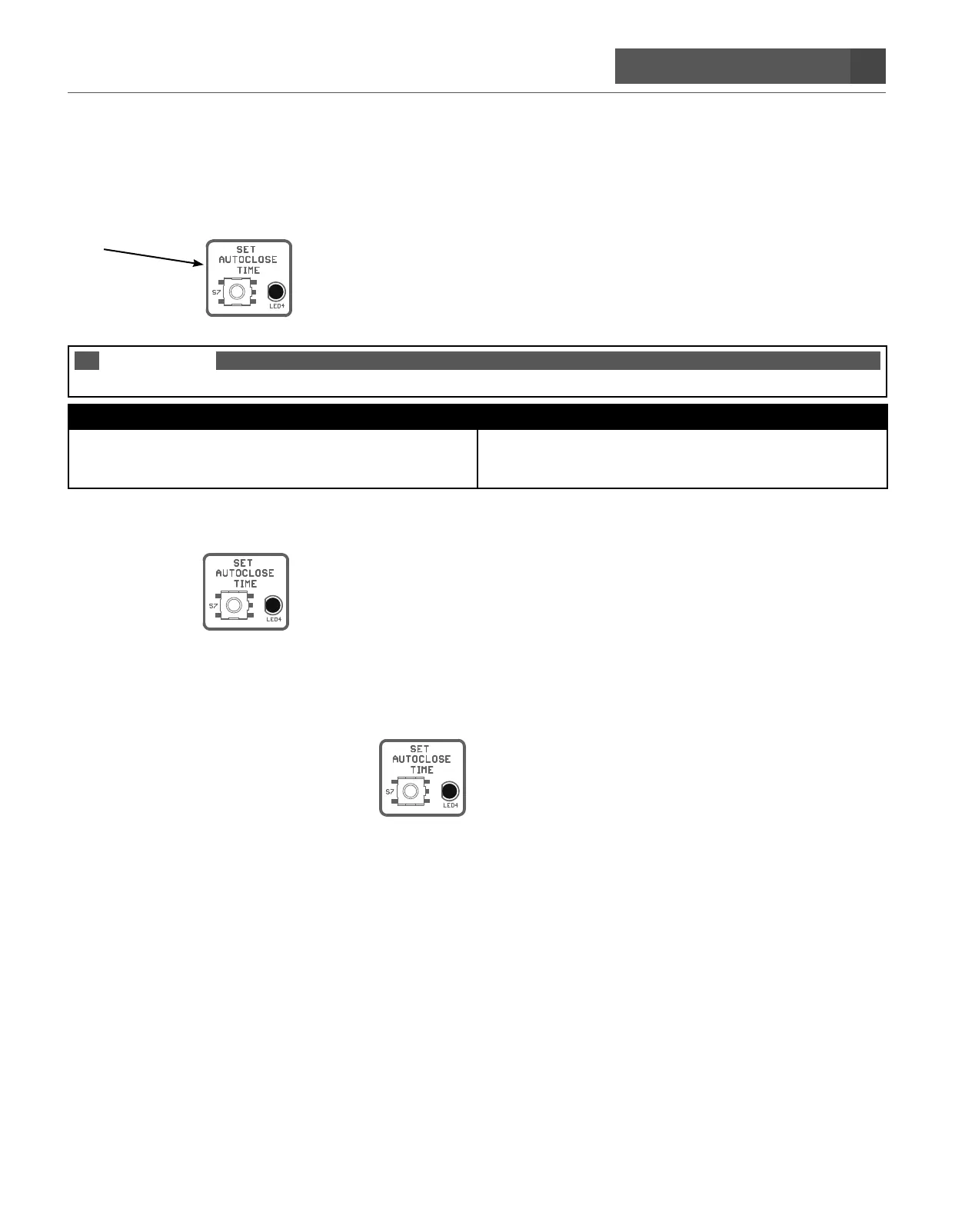
A. Press and hold the
SET AUTOCLOSE TIME button until it beeps.
B. Release the button and start counting the blinks or watching a clock until the desired AUTOCLOSE time has
been reached. (the led will blink once a second)
C. Press and release the
SET AUTOCLOSE TIME button. The alarm will sound letting you know the
Autoclose time took. AUTOCLOSE time can be set from 6 seconds to 60 minutes.
D. The AUTOCLOSE feature is now enabled.


 To Next Page