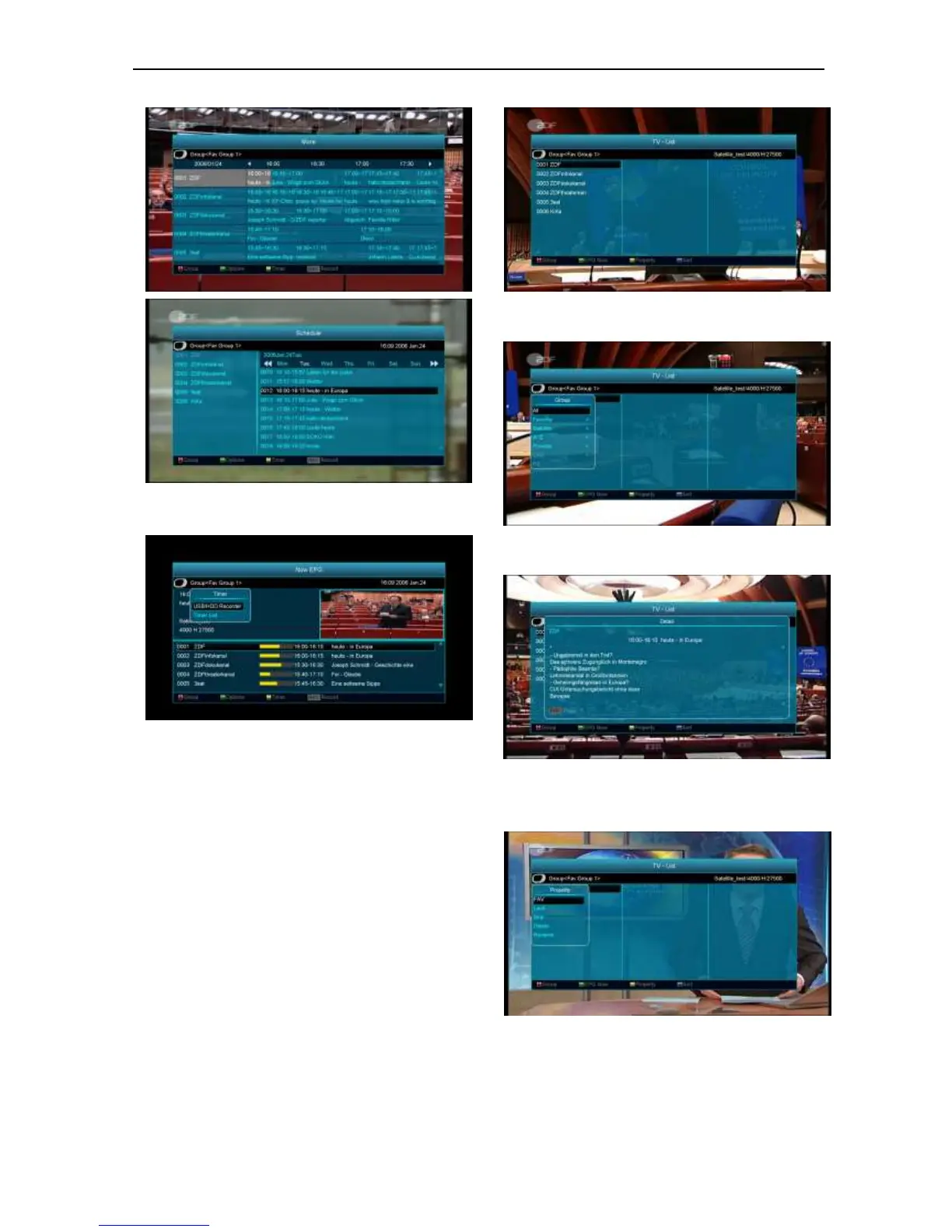
4 Press [Yellow] key in EPG menu can set one
record timer or go to Timer List menu.
5 In EPG menu, when you select one event by high
light item, you can set this event to record timer list
directly by press [REC] button.
6 In EPG menu, press [Exit] to close EPG screen.
8.13 TV/RADIO
In TV mode, pressing [TV/RADIO] key can switch to
Radio mode. In Radio mode, press [TV/RADIO] key to
switch to TV mode.
8.14 Channel List
1 In full screen, press [OK] key can enter “Channel
List”.
2 Press [Red] key to change the different group.
which you can watch like below.
3 Press [Green] key to display details information for
EPG Now.
4 Press [Yellow] key you can change the current
channel’s property, such as FAV/ Lock/ Skip/
Delete/ Rename.
5 Press [Blue] key can open the “Sort” window like
below. There are five kinds of sorting ways. You
can press [Channel Up/Channel Down] key to
move highlight and press [OK] key to confirm you
selection.


 To Next Page