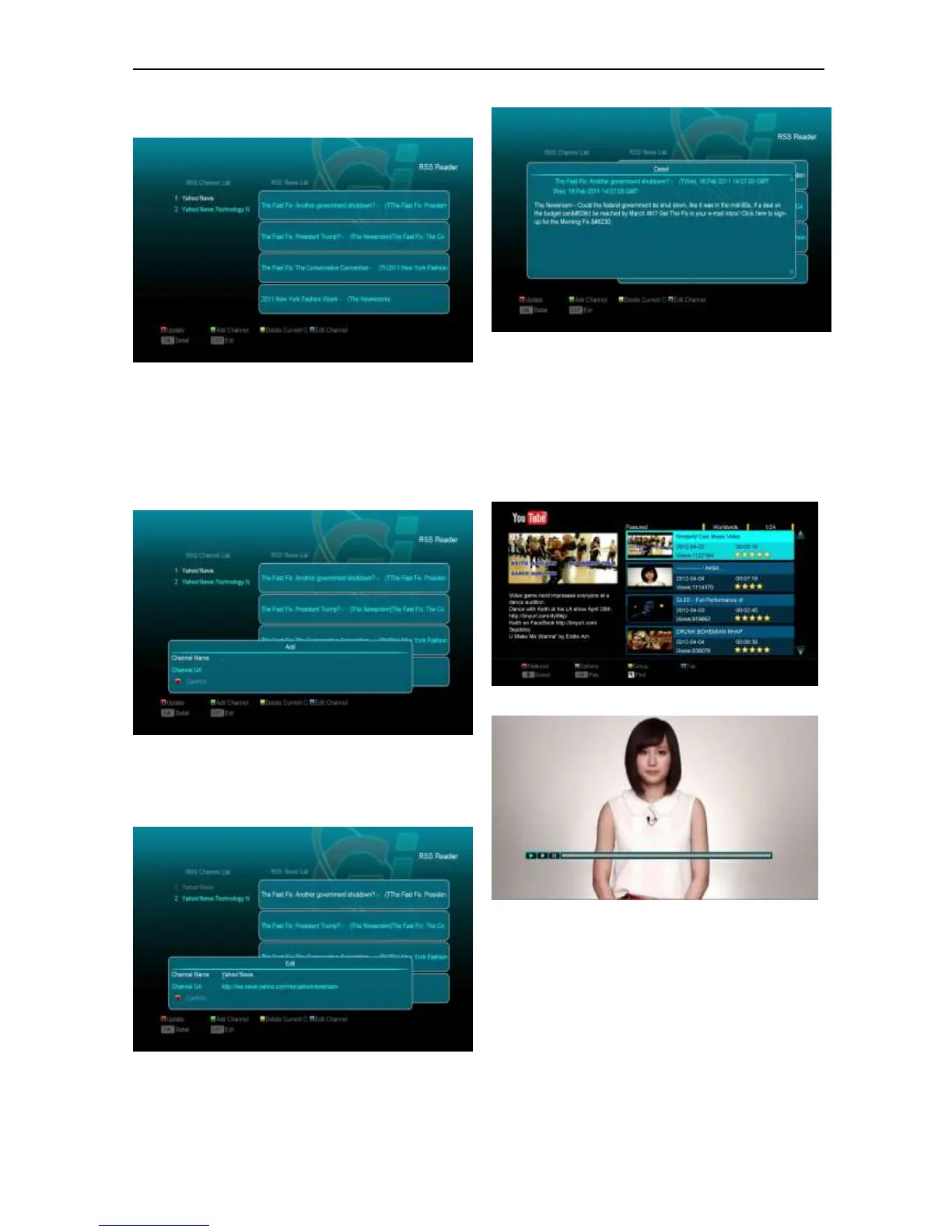
15.6 RSS Reader
In this menu you can see the news
Red key
Update the news to the newest.
Green key
Add new channels, you can input a new
website. Use this menu you can add 10
channels at most.
Yellow key
Delete current channel.
Blue key
Edit current channel information. You can edit
channel name and channel URL.
Press ok button to see the detail information like
the below.
15.7 YouTube
This menu is some internet applications.
"youtube" can play stream media in
"www.youtube.com". When you enter to this
menu, you will see a screen like below:
1. Press [up/down] key to move highlight.
2. Press [ENTER] key on one item, it will be
play pertinent video. The video will show
on top left corner. Press [ENTER] again, it
only has video in mid of screen. Now
press [zoom] key, the video will play in full
screen.
3. Press [vol+/vol-] to control volume.


 To Next Page