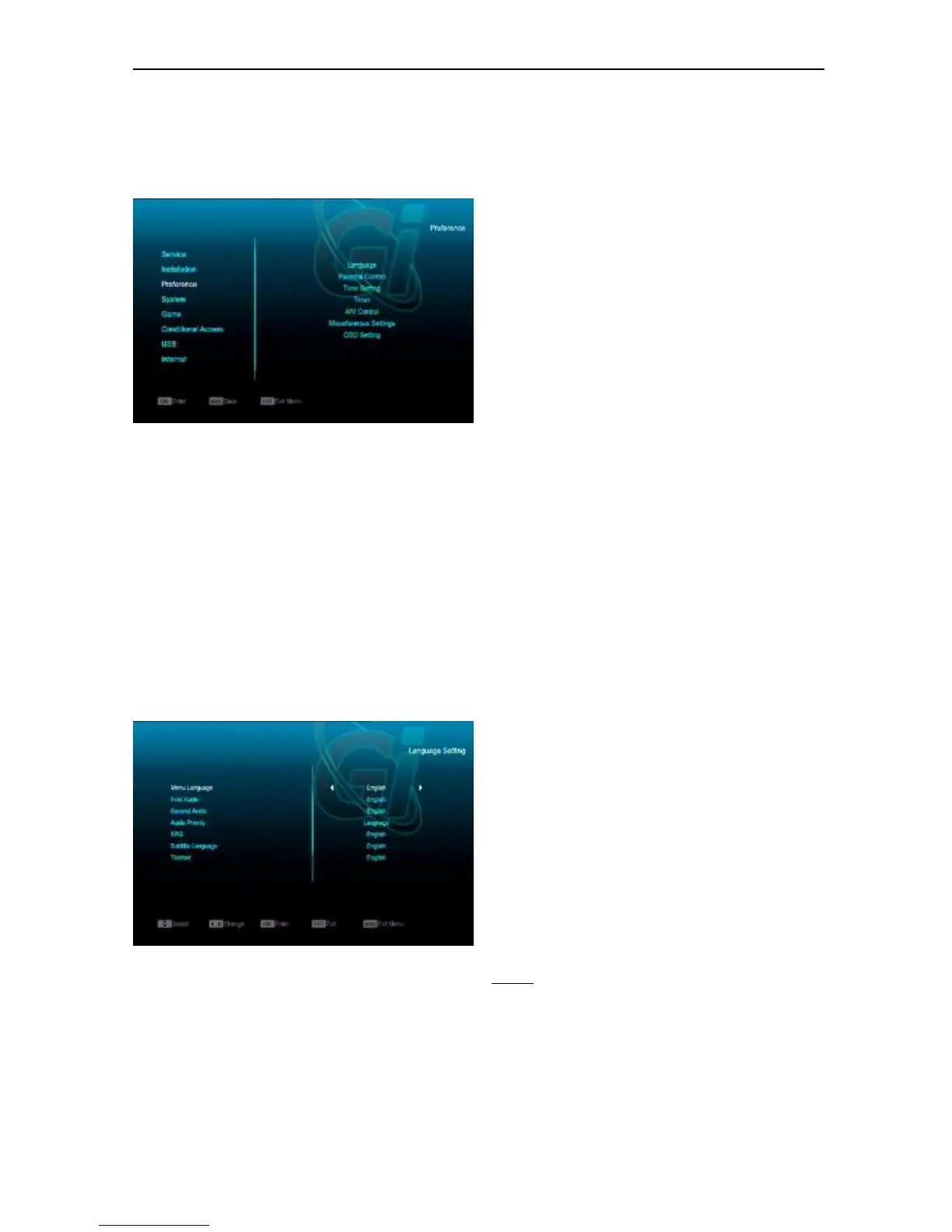
11. Preference
When you enter to “Preference” menu, you will
see the screen like below:
In “Preference” menu:
Press[Channel Up/Channel Down]key to
select menu items among Language,
Parental Lock,l Time setting, Timer, A/V
Control, Miscellaneous Settingl OSD
Setting.
Press[OK]key to enter the selected item.
11.1 Language
When you enter to “Language” menu, you will
see the screen like below:
1 Menu Language: press [Volume Up/ Volume
Down] key to select menu languages, the
selections of languages include: English, French,
German, Russian, Arabic, Portuguese, Turkish,
Spanish, Polish, Italian etc.
2 First Audio: Some channels have more than one
audio language for choosing; by this function you
can set the first audio for this channel. If the
playing channel has the same audio as the “First
Audio” you set, system will play this audio
language as default. If the channel hasn’t the
suited audio language, then the system will
compare automatically with second audio
language. The selections of audio languages
include: English, French, German, Russian,
Arabic, Portuguese, Turkish, Spanish, Polish and
Italian.
3 Second Audio: If the channel has no correspond
audio with “First Audio” but have corresponded
audio with “Second Audio”, system will play the
second audio language as default. If no audio
language corresponds with the “Second Audio”,
then the default language of current channel will
be played automatically. The selections of audio
languages include: English, French, German,
Russian, Arabic, Portuguese, Turkish, Spanish,
Polish and Italian.
4 Audio Priority: Press [Volume Up/ Volume Down]
key to select Dolby or Language.
5 EPG: Press [Left/Right] key can select EPG
language.
6 Subtitle Language: Press [Left/Right] key
can select subtitle language.
7 Teletext: You can set teletext language. If the
streams have this language you can see the
teletext in language you set.
8 Press [MENU] key to draw back from “Language”
menu.
11.2 Parental Control
You can set a password for anyone who wishes
to operate in the “Installation” menu. And you
can also set the password for the lock channels.
(How to set the lock channel please refer to
LOCK) Here will show you how to setting and
how to revising the password.
1 In “Parental Lock” function, press [OK] key,
there will pop an dialogue for you to input
the password. When you input the correct
password, you will see a screen like below:


 To Next Page