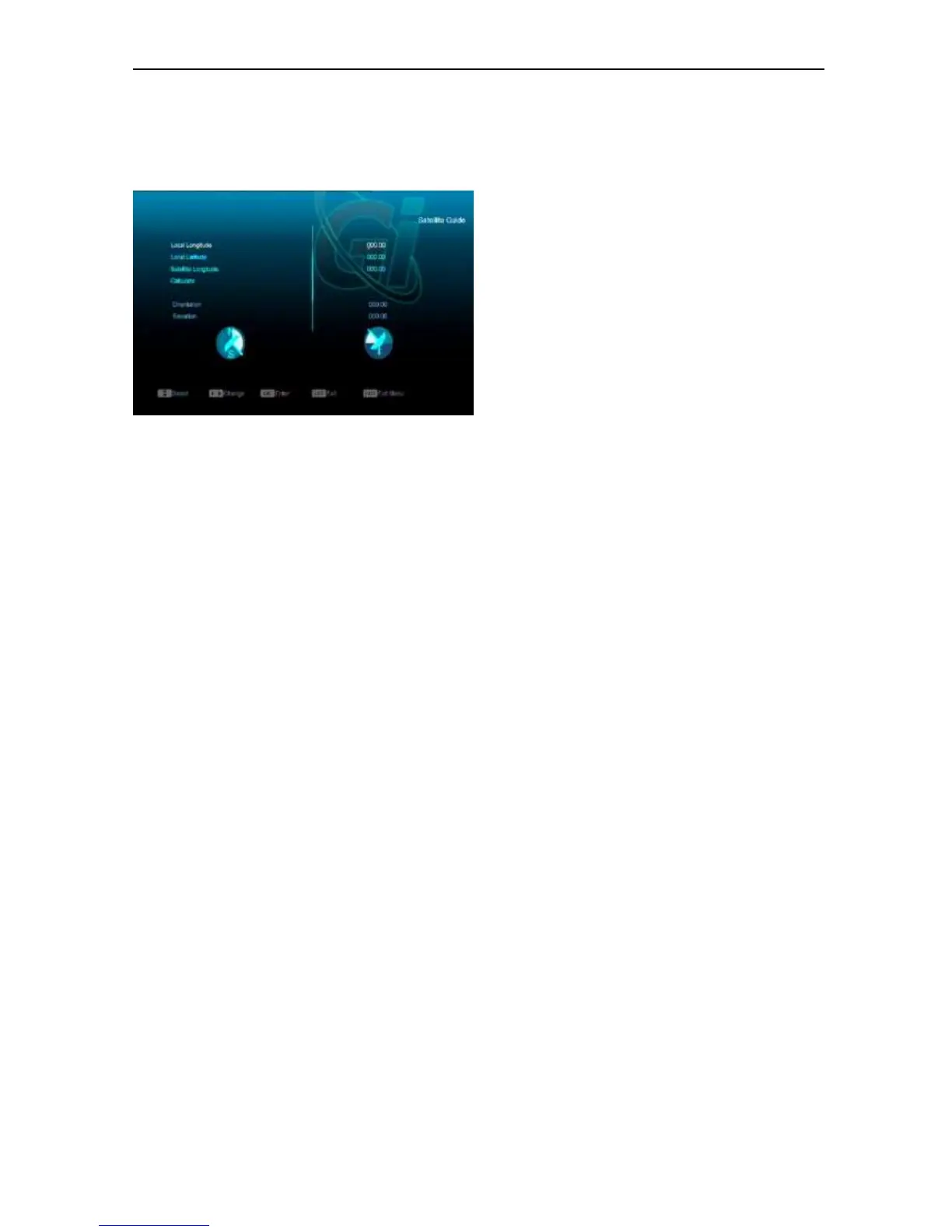
10.4 Satellite Guide
When you enter to “Satellite Guide” menu, you
will see the screen like below:
“Satellite Guide” is use for user to enter local
longitude; local latitude and satellite longitude.
By the evaluation from the receiver evaluate the
antenna azimuth and antenna elevation; user
can follow this guidance to adjust antenna.
1 You can use number keys to input
parameters in “Local Longitude”, “Local
Latitude” and “Satellite Longitude”.
2 You can use [Left/Right] key to select east
or west in “Local Longitude” and “Satellite
Longitude”, select north and south in
“Local Latitude”.
3 Moving highlight to “Start” item and press
[OK] key. The lower column on the screen
will calculate the corresponding value
automatically.
4 Orientation means the angle between
south and satellite.
Press [MENU] key to draw back to “Main”
Menu.


 To Next Page