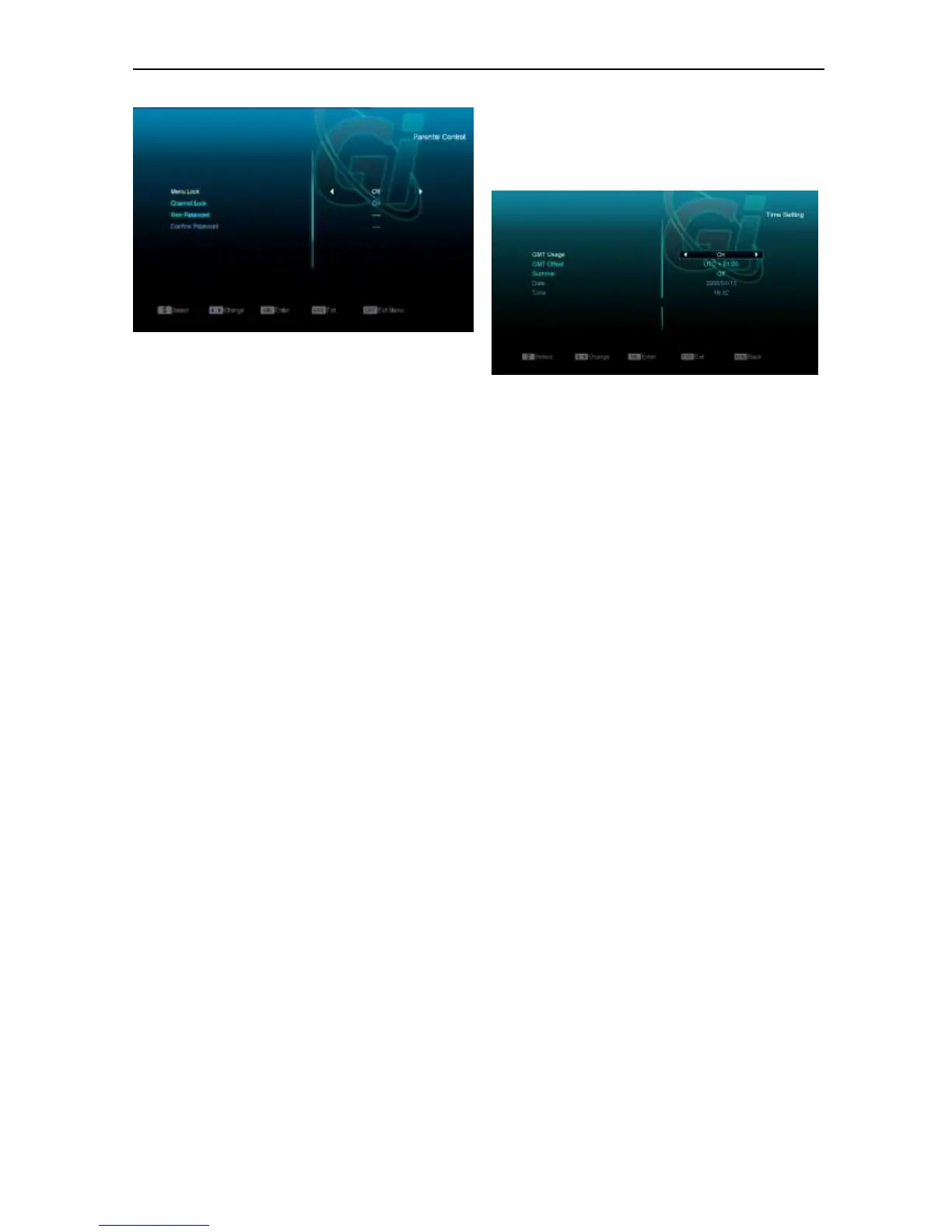
2 Menu Lock determining that when user
wish to enter “Installation” menu, whether
have to input Password or not. If the setting
of “Menu Lock” is “ON” which means user
have to key in password, set “OFF” means
unlock.
3 Channel Lock determining that when user
wish to play the lock channels, whether
have to input the password or not. If the
setting is “ON”, play the channels with lock
mark will show up a dialogue on the screen
and ask for the password. If the setting of
“Channel Lock ”is “OFF”, the Lock function
will invalid.
4 New Password is used for revising
password; you can input the new password
in this item by using number keys directly.
After you filled in 4 digital numbers, the
highlight will auto skip to Confirm Password
and ask you to input the new password
again. If the password is correct, the screen
will show up a message of “Saving Data,
Please Wait…”. After finish saving and
draw back to “System Setup” menu, the
revising is complete.
Press [MENU] key to draw back from the
“Parental Lock” menu.
11.3 Time Setting
When you enter to “Local Time Setting” menu,
you will see the screen like below:
GMT Usage: This item is use for open the
usage of GMT. You can press [Volume Up /
Volume Down] keys to switch “On/Off”.
The “GMT Offset” item is valid only when the
setting of “GMT Usage” is “Yes”. You can
press [Volume Up / Volume Down] keys to
switch “GMT Offset” value, and the range is
“-12:00 ~ +12:00”, increase each half hour
progressively.
You can press [Left/Right] to control Summer
time on or off.
“Date” and “Time” items are valid only when
the setting of “GMT Usage” is “No”. You can
press [Volume Up / Volume Down] keys to
moving highlight and use number keys to input
directly.
If the current channel provides the correct time
information, you will see the current time while
you enter “Time” menu. If the channel doesn’t
provide time information, you have to input the
date and time information manually.
Press [MENU]key to draw back from “Local
Time Setting” Menu.
11.4 Timer
Press [enter] key to open timer menu.
Current time information will display on the
first column; if the current time is incorrect,
please modify the time information in “Time”
item.


 To Next Page