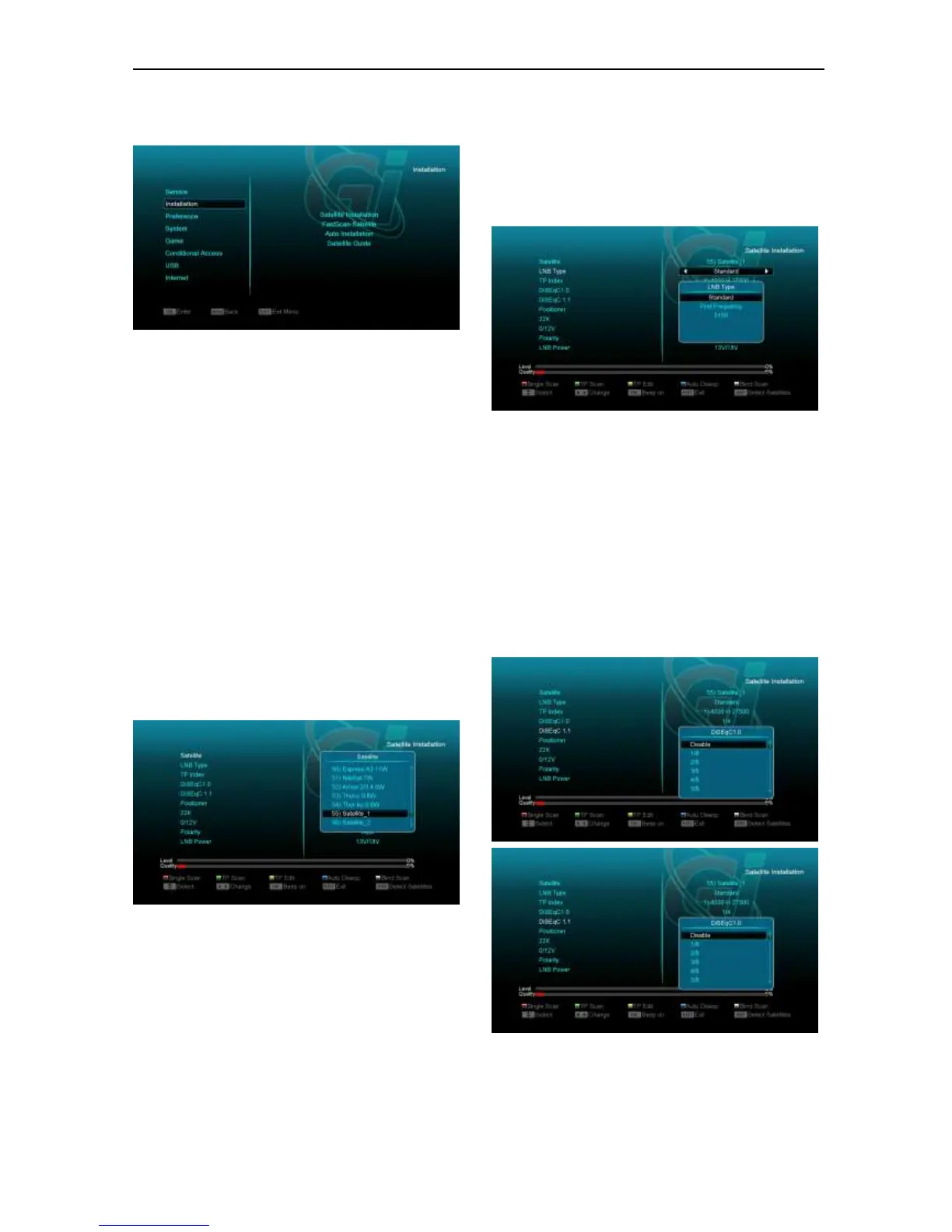
10. Installation
1 Press [Left/Right] key to select menu
pages among Service, Installation,
Preference, System, Conditional Access,
Internet,USB and Game.
2 Press [OK] key to enter the “Installation”. If
Menu Lock is “On”, it will display an
dialogue for user to key in password. The
default Password is “0000”.
3 Press [Up/ Down] key to select menu
items. Press [menu] key to go back to main
menu.
10.1 Satellite Installation
Satellite
1 Satellite: Press [OK] key to enter the Satellite
list.
2 Press [Up/ Down] key to select satellite. Press
[Page] key to page up or page down.
LNB Type
In this box, press[Up/Down]key to switch among
“Standard”, “User”, "Unicable" and “Universal”
mode.
For Example: If you use the “Unicable LNB",
then you should select “Unicable” option in “LNB
type and press [OK] button to display the
submenu for “Unicable” settings, like the
following picture, you can select the SCIF
Channel, SCIF Frequency and Satellite Position
according your installation.
DiSEqC1.0/ DiSEqC1.1
DiSEqC: You can use [Up/ Down]key to switch
options. There are several options for your
selection:
a) Disable: without DiSEqC.
b) 1/2, 2/2: two ports DiSEqC
c) 1/4, 2/4, 3/4, 4/4: 4 ports DiSEqC
d) 1/8, 2/8… 8/8: 8 ports DiSEqC
e) 1/16, 2/16….16/16: 16 ports DiSEqC
Positioner
Positioner: In “Positioner” item, you can press
[Volume Up/ Volume Down]key to switch “Off /
DiSEqC 1.2 / USALS” functions.


 To Next Page