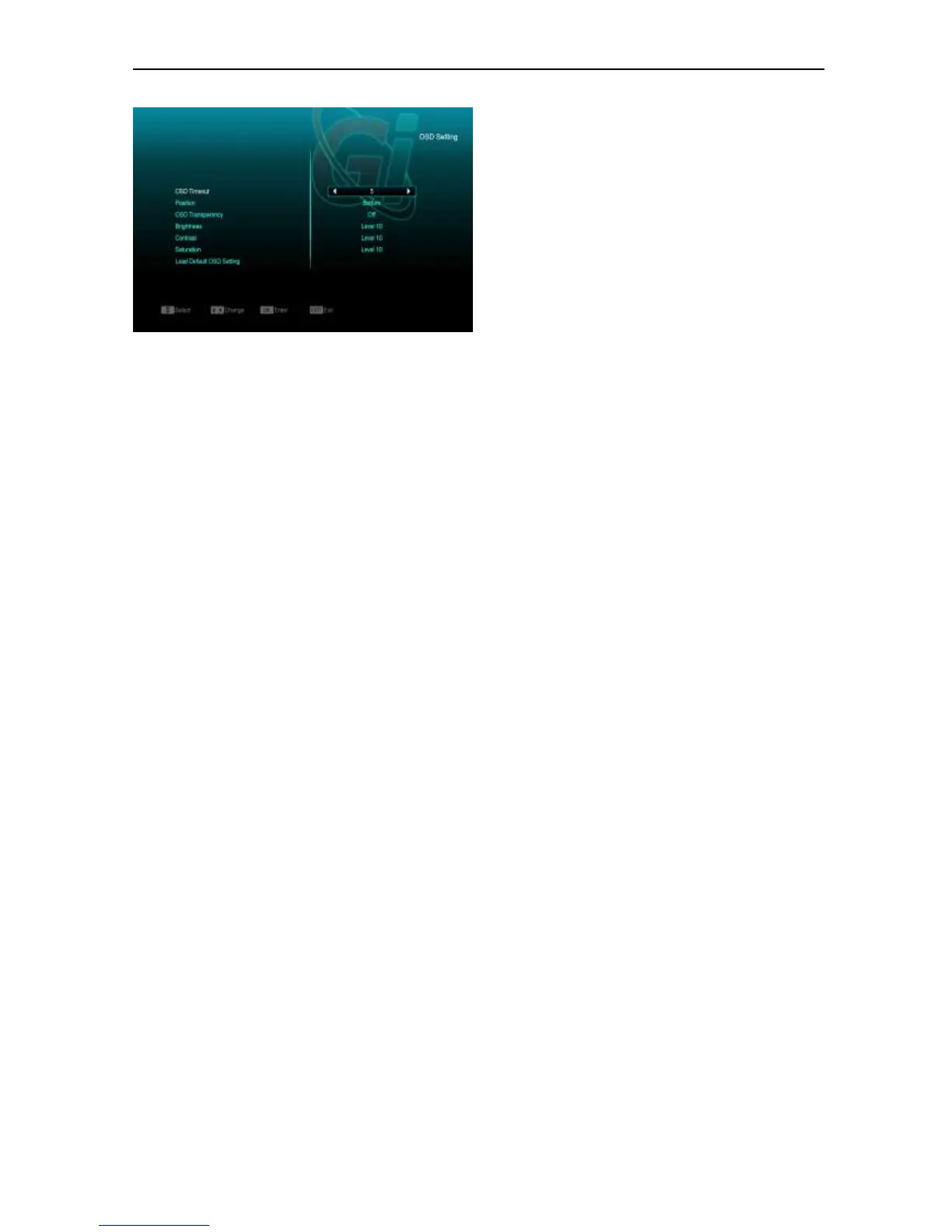
1 OSD Timeout: When you switch channels in
full screen, there will show up some
information about current channel on the
lower of the screen. And regarding to the
duration of these information show up on the
screen, you can press [Volume Up/Volume
Down] key to set the time. The range of the
duration is “1 second ~ 10seconds”.
2 OSD Position: control display position of the
info bar in full screen mode. You can choose
“bottom” or “top”.
3 OSD Transparency: Besides the setting of
“OSD Menu Style”, you also can set the
transparency of OSD. You can press [Volume
Up/Volume Down] key to select the values.
There are 5 levels of transparency, 10%,
20%, 30%, and 40% and “NO” (means no
transparency function).
4 Brightness/Contrast/ Saturation : You can
adjust the parameter about the Video image
by using the [OK]button or press[Volume
Up/Volume Down] key, the default value is
Level 10.
5 Load Default OSD Setting : If you are not
satisfy with your setting, you can move
highlight to this item and press [OK] key to
reset parameters as default value.
6 Press [MENU] key to draw back from the
“OSD Setting” menu.


 To Next Page