13
First steps
Gigaset E310/E310A (Panther) / MEA EN / A31008-M2301-A601-1-UZ19 / starting.fm / 11.05.2012
Version 5, 03.04.2011
Initial charging and discharging of the batteries
The correct charge status can only be displayed if the battery is first
fully charged and discharged.
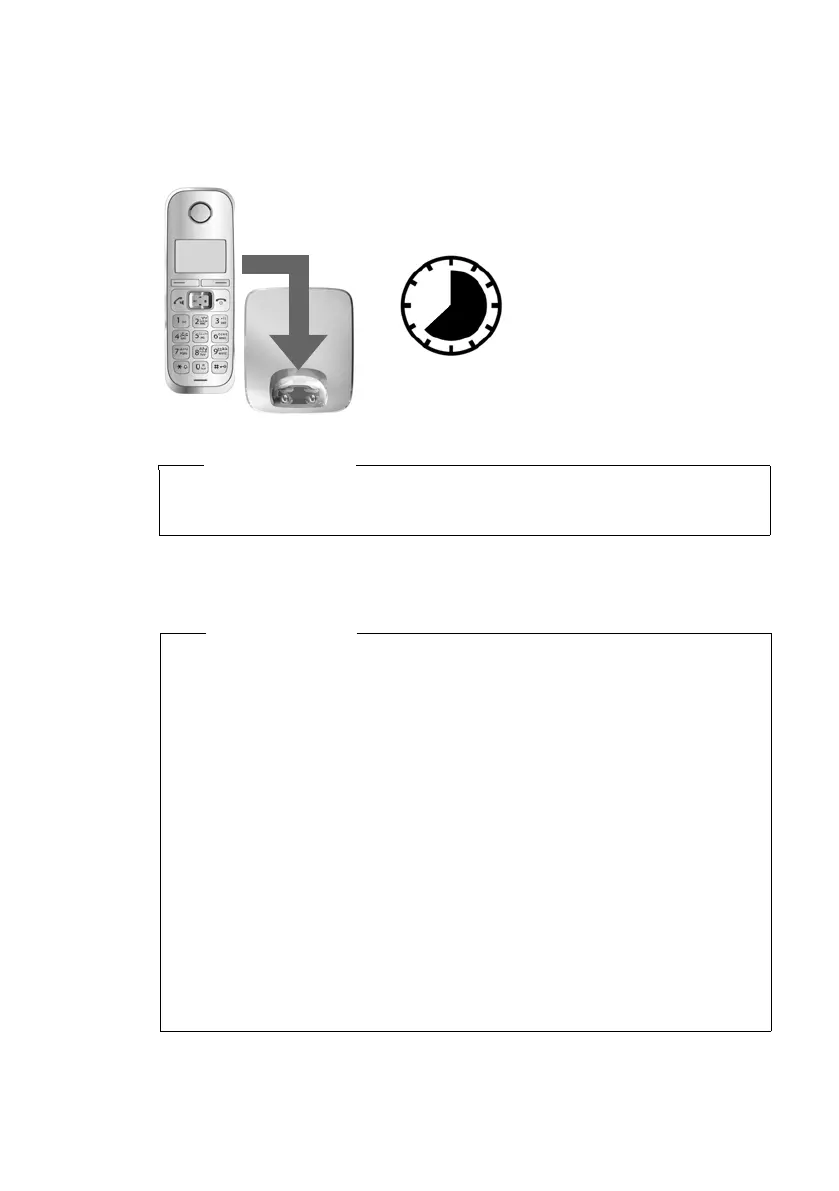
¤ Charge the handset in the base for 7.5 hours.
¤ After charging, remove the handset from the base and only
replace it when the batteries are fully discharged.
7.5
h
Please note
The handset must only be placed in the designated
Gigaset E310/E310A base or the corresponding charger.
Please note
u The handset is pre-registered with the base. If you have pur-
chased a model with multiple handsets, all handsets will
already be registered with the base. You do not need to regis-
ter the handsets again.
However, if a handset is not registered with the base (Register
Handset or Place handset into base flashes on the display),
please register the handset manually (¢ page 43).
u After the first battery charge and discharge, you may place
your handset in the charger after every call.
u Always repeat the charging and discharging procedure if you
remove the batteries from the handset and reinsert them.
u The batteries may warm up during charging. This is not dan-
gerous.
u After a while, the charge capacity of the batteries will decrease
for technical reasons.



 To Next Page