3
Icons and keys
Gigaset E310/E310A (Panther) / MEA EN / A31008-M2301-A601-1-UZ19 / Symbols_Keys.fm /
Version 5, 03.04.2011
Icons and keys
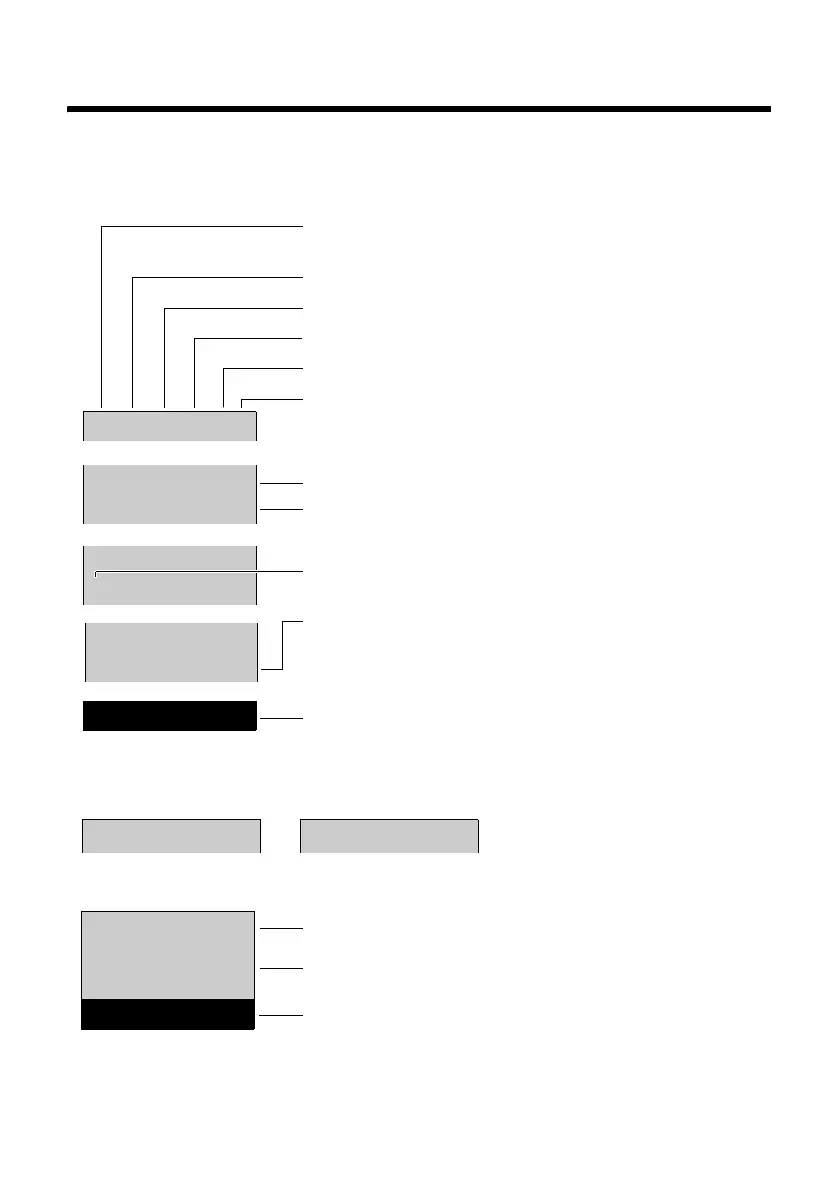
Display icons
The display depends on the phone's settings and operating status.
Ð
Ø
Ú
Ã
U
INT 1
23.04. 10:53
‘
Menu
INT 1
é12:00 10:53
Batteries are charged (¢ page 17)
Charge status of the batteries (¢ page 17)
Name of the handset (¢ page 43)
Current day/current time (¢ page 15)
Alarm clock switched on and wake-up time set
(¢ page 42)
New messages on the answering machine
(E310A only, ¢ page 35)/network mailbox
(¢ page 40) or in the calls list (¢ page 31)
Display keys (¢ page 4)
Display during external call:
Signal strength ¨ (¢ page 41)
or Eco Mode+ icon ½ (¢ page 41)
Keypad locked (¢ page 20)
Ringer melody switched off (¢ page 48)
Answering machine activated (E310A only)
Connection established
Call duration
Display key (¢ page 4)
u Two-Way Recording (¢ page 37)
u Set call volume (¢ page 47)
u Access service information
Other display icons:
Call (¢ page 26)
Alarm call (¢ page 42)
°
—
1234567890
00:00:53
Menu
à ™
03 01



 To Next Page