17
First steps
Gigaset E310/E310A (Panther) / MEA EN / A31008-M2301-A601-1-UZ19 / starting.fm / 11.05.2012
Version 5, 03.04.2011
Display in idle status
Once the phone is registered and the time set, the idle status is
shown as in this example.
Screen display
u Reception between the base and the
handset:
– Good to poor: Ш§¦
–No reception: ¥
u Activating the answering machine:
– ± Your answering machine is set with a pre-recorded
announcement
u Battery charge status:
– U Batteries charged to over 66%
– V Batteries charged to between 34% and 66%
– e Batteries charged to between 11% and 33%
– = Batteries charged below 11%
– = Flashes: battery almost empty (less than 10 minutes of
talktime)
– = e V U Charging
Please note
If your phone receives the date and time during calling line dis-
play (e.g., via your network provider, a router or PABXs), you can
specify whether this data should be copied to your phone:
¤ Press the following keys in sequence:
v ¤ P#Q5#MI
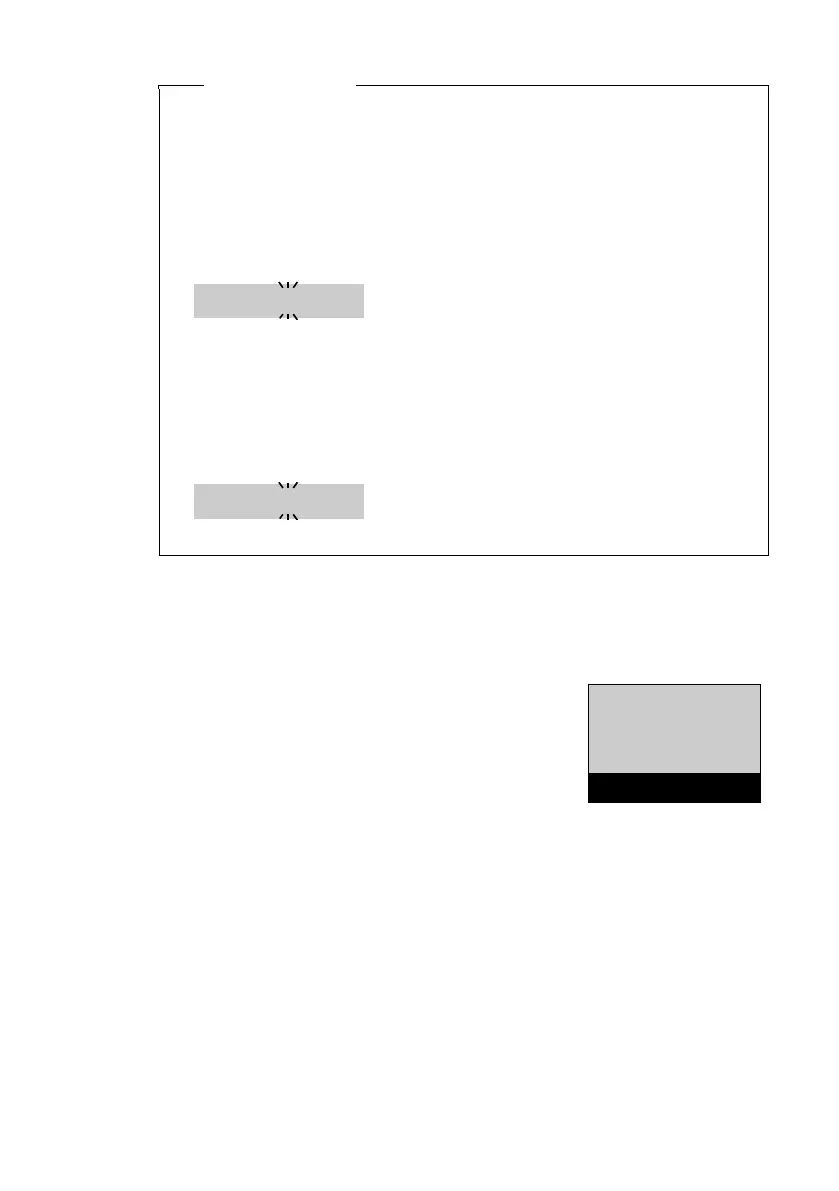
You will see the following display and the current setting will
flash:
¤ Press one of the following keys to determine when the date
should be copied across:
Q Never
Or 1 Once, in case the date/time is not set on your phone
Or 2 Always
Your selection is displayed (e.g., 2 for Always):
¤ Press the display key
§OK .
973 SET:
[
0
]
973 SET:
[
2
]
Ð
Ã
U
INT 1
23.04. 10:53
‘
Menu



 To Next Page