42
Using the handset as an alarm clock
Gigaset E310/E310A (Panther) / MEA EN / A31008-M2301-A601-1-UZ19 / T-NetBox-registration.fm /
Version 5, 03.04.2011
Status displays
Using the handset as an
alarm clock
Activating/deactivating the alarm
clock
Prerequisite:
The time is set (¢ page 15).
§Menu§ ¤ q Alarm Clock ¤ §OK§
¤ q Activation
¤
§OK§ (‰ =activated)
After you activate the alarm clock,
the menu for setting the wake-up
time opens automatically.
Setting the wake-up time
§Menu§ ¤ q Alarm Clock ¤ §OK§
¤ q Wake up time ¤ §OK§
¤ ~ (Enter wake-up time) ¤ §OK§
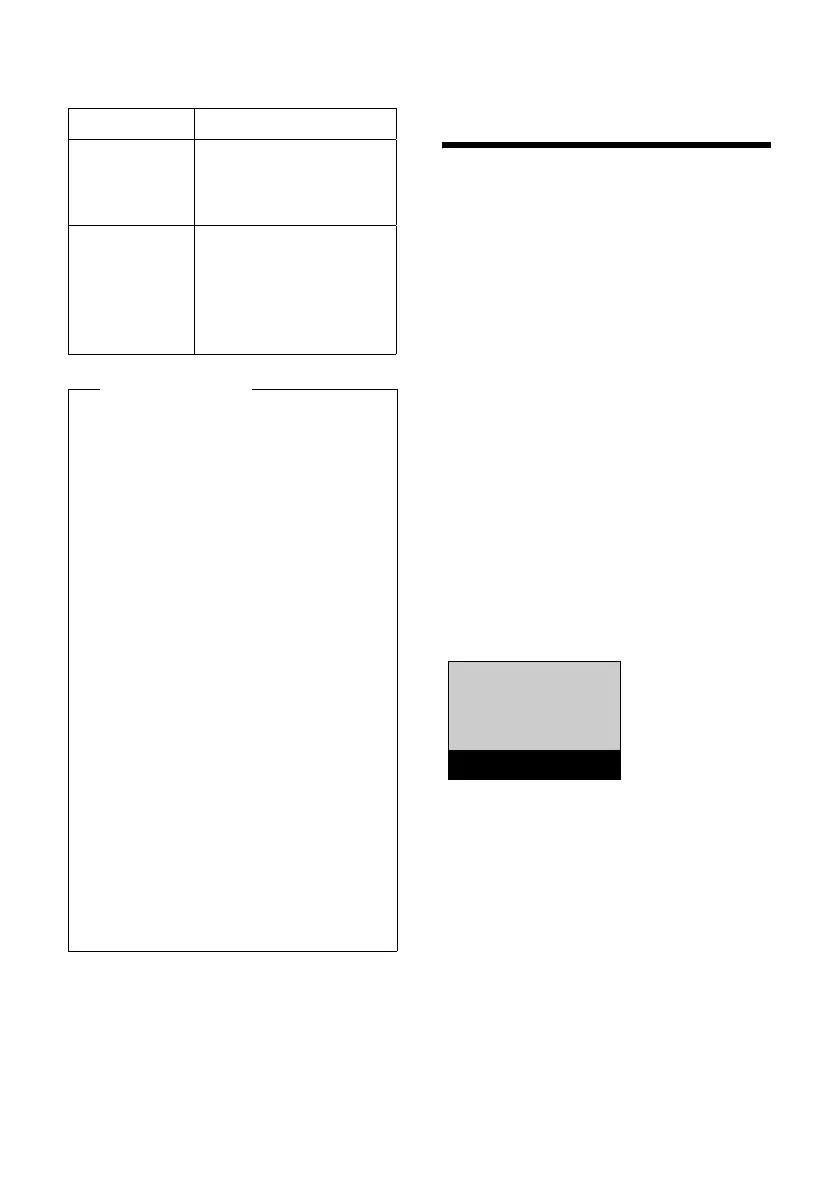
If the alarm clock is activated, you
will see the l icon in the display and
the wake-up time after it.
When the alarm clock rings…
§Off§ Press the display key to
deactivate the alarm clock
for 24 hours.
Or
§Snooze§ Press the display key or
any key. The wake-up call
is deactivated and then
repeated after 5 minutes.
After the second repeti-
tion the wake-up call is
deactivated for 24 hours.
Display icon
Ш§¦
¥
Reception strength:
– Good to poor
– No reception
½ Eco Mode+ enabled
(displays instead of
the reception
strength icon when
in idle status)
Please note
u When using Eco Mode+ you can
ensure that the range of the
base is sufficient by pressing
and holding the talk key c. You
hear the dialling tone if the base
can be reached.
u When Eco Mode+ is enabled:
– Call setup is delayed by
approx. 2 seconds.
– Handset standby time is
reduced by approx. 50%.
u Registering handsets that do
not support Eco Mode+ causes
the mode to be deactivated on
the base and all other handsets.
u Activating Eco Mode reduces
the range of the base.
u Eco Mode / Eco Mode+ and
repeater support (¢ page 50)
cancel each other out, i.e., if you
use a repeater, you cannot use
Eco Mode or Eco Mode+.
Ð
Ã
U
INT 1
l12:00 10:53
‘
Menu



 To Next Page