15
First steps
Gigaset E310/E310A (Panther) / MEA EN / A31008-M2301-A601-1-UZ19 / starting.fm / 11.05.2012
Version 5, 03.04.2011
Setting the date/time
Set the date and time so that the correct date and time can be
assigned to incoming calls, and so that the alarm can be used.
Please note
Depending on your network provider, the date and time may be
displayed automatically.
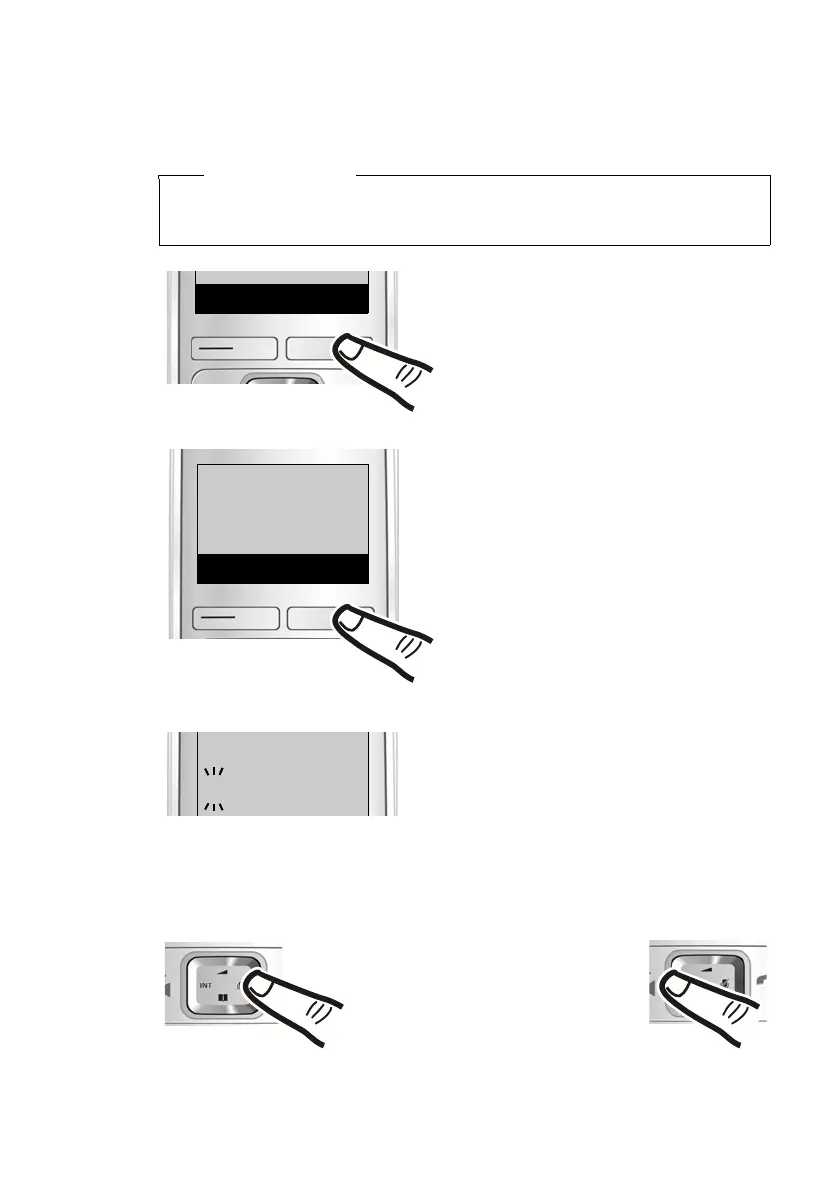
¤ Press the key below §Time§ on the
display screen.
(If you have already set the
date/time, open the input field
via the menu ¢ page 23.)
‘
Time
Enter Date:
[04.04.2012]
The input field opens. The active
position flashes.
¤ Enter the day, month and year
as a 8-digit number via the
keypad e.g.,
Q4Q42Q12
for 4 April 2012.
To correct errors: Press on
the left or right edge of the
control key to change the
position of the cursor.
Set Date/Time
Back
V
OK
¤ Press the key below §OK on the
display screen to open the sub-
menu.



 To Next Page