16
First steps
Gigaset E310/E310A (Panther) / MEA EN / A31008-M2301-A601-1-UZ19 / starting.fm / 11.05.2012
Version 5, 03.04.2011
You can set the gregorian or the persian calendar type (¢ page 46).
Enter Time:
[07:15]
Back OK
Back OK
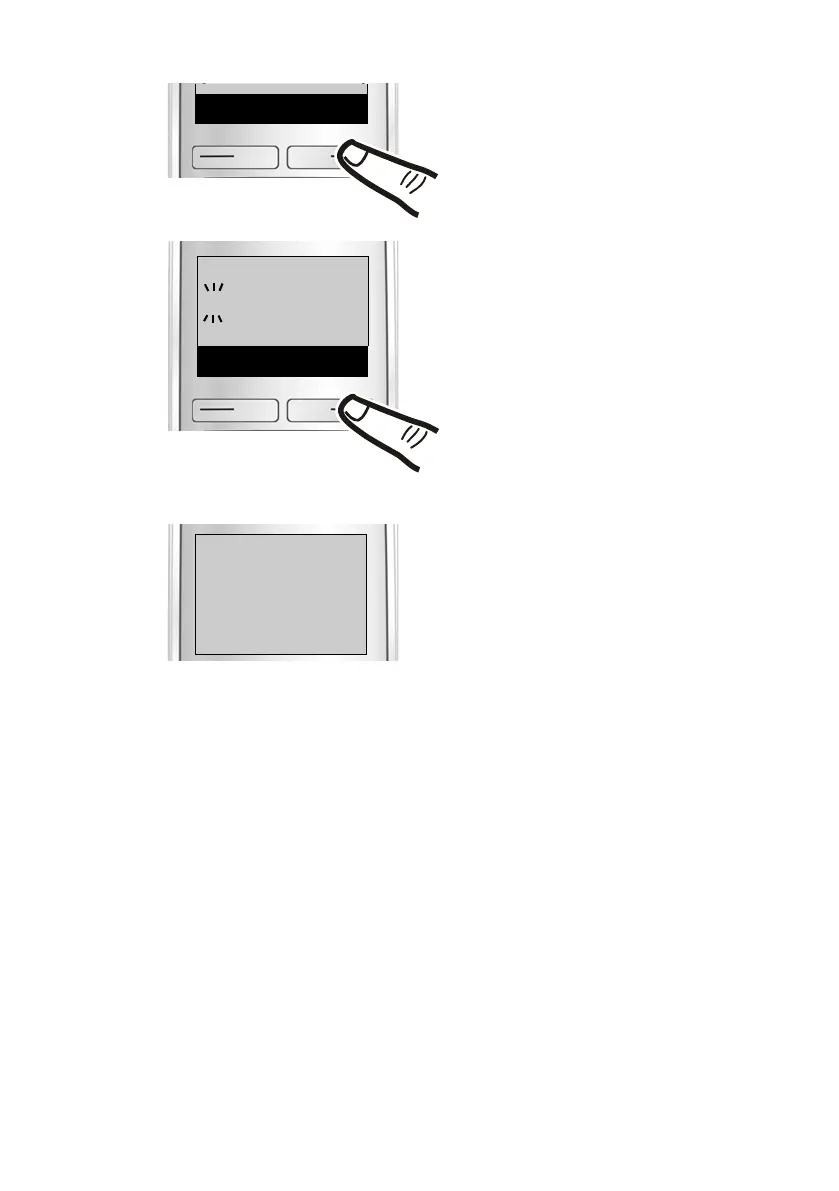
¤ Enter the hours and minutes as
four-digit numbers via the keypad
e.g., QM15 for 7.15 a.m.
If necessary, use the control key to
swap between fields.
¤ Press the key below
§OK § on the
display screen to confirm your
entry.
The display shows Saved. You will
hear a confirmation tone. The
handset returns automatically to
idle status or to the previous
menu level, if you performed the
settings via the menu.
¤ Press the key below
§OK on the
display screen to confirm your
entry.
‰
Saved



 To Next Page