14
Template Go, Version 1, 01.07.2014 / ModuleVersion 1.0
Making calls
Gigaset Maxwell basic / LUG IE-UK en / A31088-N4002-R101-3-7619 / telephony.fm / 6/9/16
Protection from incoming calls
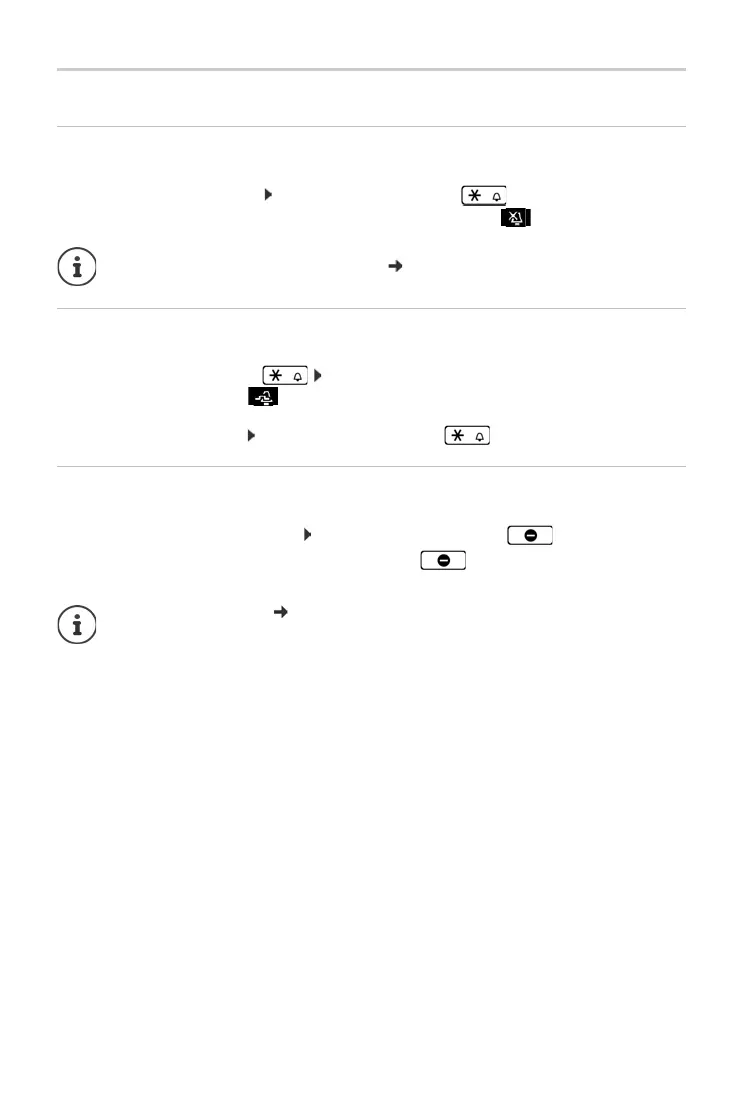
Activating/deactivating the ringtone
An incoming call is not signalled by ringing, but is displayed on the screen.
Switching the ringtone on/off: Press and hold the Star
key
Ringtone is switched off: the follow
ing icon appears on the display
Switching the alert tone (beep) on/off
Switch on an alert tone (beep) instead of the ringtone:
¤ Press and hold the Star key press Beep within 3 seconds . . . the following icon
appears in the status line
Switching off the alert tone: Press and hold the Star key
Switching the "Do not disturb" function on and off
Incoming calls are not signalled.
Switching "Do not disturb" on or off: Press the Do not disturn key
"Do not disturb" is switched on: the Do not disturb key is illuminated, the display shows
"Do not disturb" active
Ringtone silencing for anonymous calls: p. 28.
Set up
call forwarding: p. 18
The administrator can create a list of numbers which should never be signalled by the
telephone in the Web configurator.



 To Next Page