20
Template Go, Version 1, 01.07.2014 / ModuleVersion 1.0
Call lists
Gigaset Maxwell basic / LUG IE-UK en / A31088-N4002-R101-3-7619 / call_lists.fm / 6/9/16
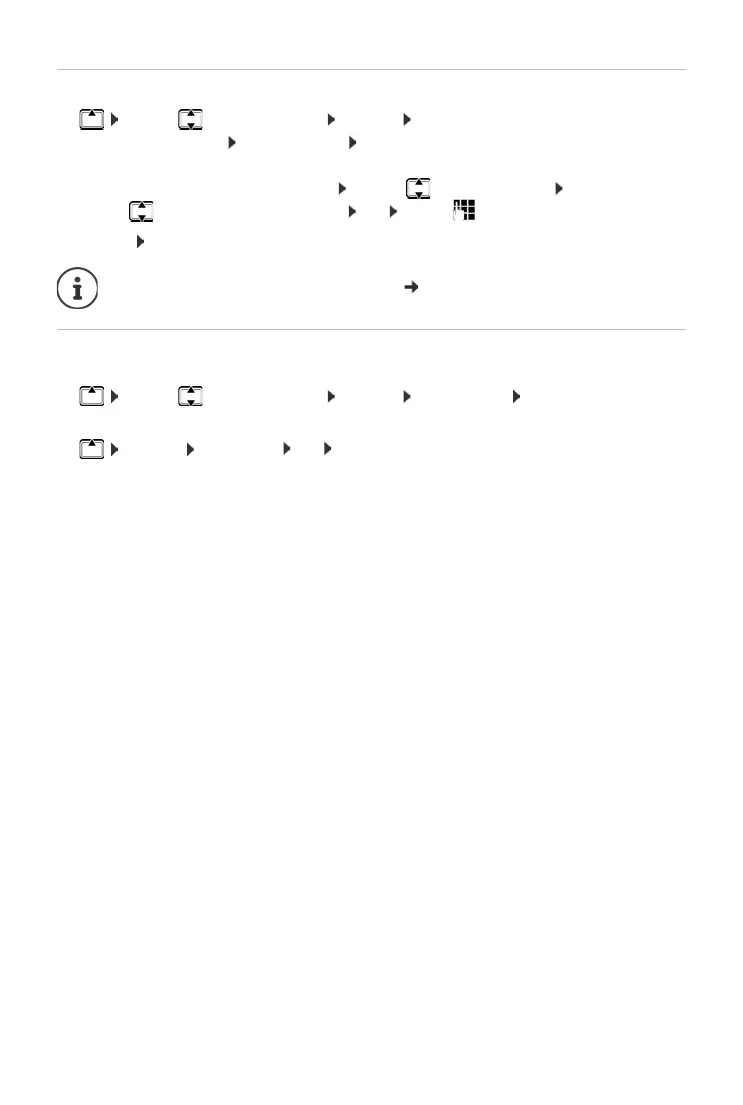
Copying a number to the directory
¤ . . . use to select an entry Options Save Number . . . then
Creating a new entry: < New Entry > OK
or
Adding a number to an existing entry: . . . use to select an entry OK
¤ . . . use to select a number category OK . . . use to enter more data for the entry
Save entry: Save
Deleting entries
Deleting an entry:
¤ . . . use to select an entry Options Delete Entry OK
Deleting all the entries in the list currently selected:
¤ Options Delete List OK confirm prompt with Ye s
More information about the local directory: p. 23



 To Next Page