18
Template Go, Version 1, 01.07.2014 / ModuleVersion 1.0
Making calls
Gigaset Maxwell basic / LUG IE-UK en / A31088-N4002-R101-3-7619 / telephony.fm / 6/9/16
Call divert
All incoming calls are diverted to another line or a network mailbox. A call divert function can be
configured for every line on the telephone.
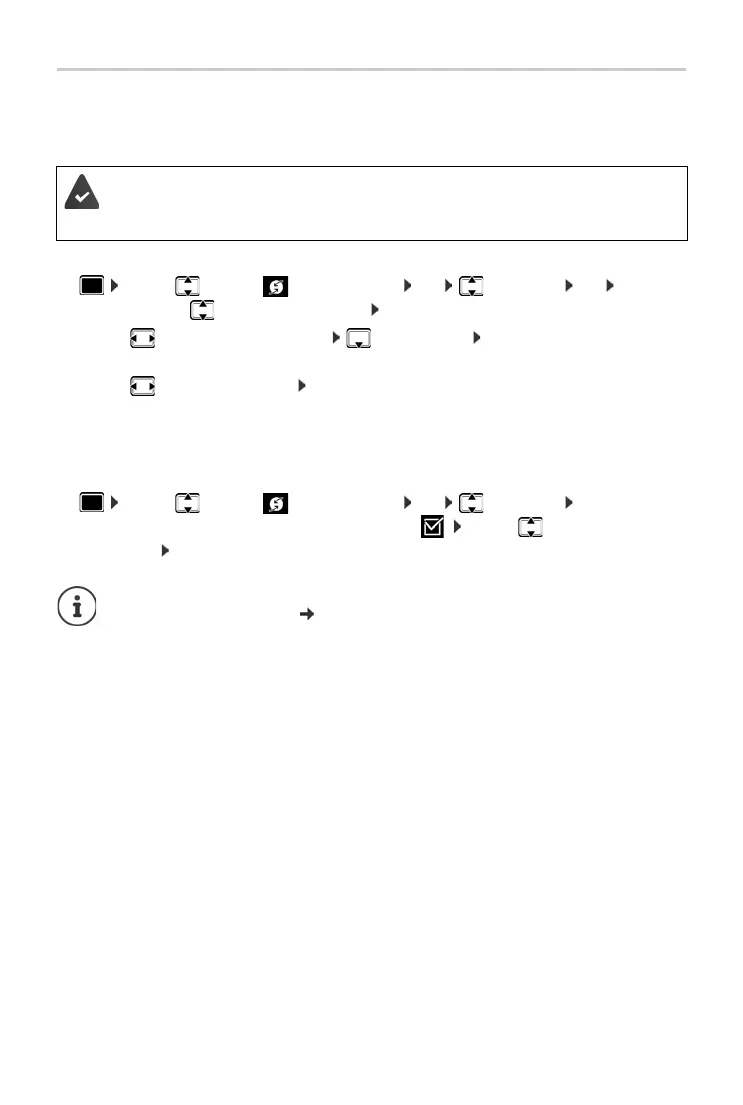
Activating call divert:
¤ . . . use to select Select Services OK Call Divert OK . . .
if necessary, use to select a connection Change
¤ . . . use to select Phone Number enter number Save
or
¤ . . . use to select Voice Mail Save . . . calls are forwarded to the answer machine
assigned to the connection.
In idle status, the active call divert and the destination for the diverted call are shown on the
display
.
Deactivating call divert:
¤ . . . use to select Select Services OK Call Divert OK . . .
connections with active call divert are marked with . . . use to select a
connection Change
The PABX or the provider supports this function.
If calls are diverted to an answer machine, it must be set up by the administrator with
the Web configurator.
Specifying different call diverts for engaged numbers or calls which are not picked up
with the Web configurator p. 35



 To Next Page