24
Template Go, Version 1, 01.07.2014 / ModuleVersion 1.0
Directories
Gigaset Maxwell basic / LUG IE-UK en / A31088-N4002-R101-3-7619 / directories.fm / 6/9/16
Displaying a directory entry
¤ . . . use to select an entry View
or
¤ enter the first letter of the name . . . the first entry which starts with that letter is displayed
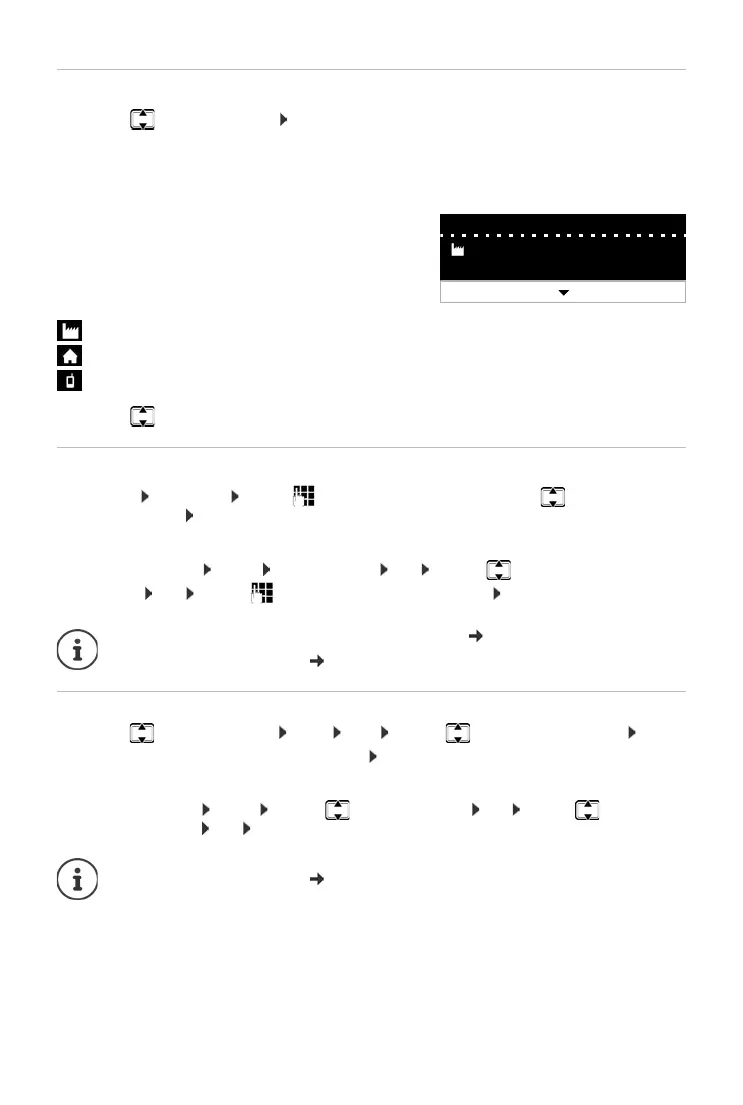
A directory entry can contain the following information:
¤ . . . use to scroll through the directory entry
Creating a new entry
¤ Options New Entry . . . use to enter data for the entry and use to move between
the entry fields Save
Creating a new entry with a dialled number:
¤ Enter the number -> Dir < New Entry > OK . . . use to select the number
category OK . . . use to enter more data for the entry Save
Changing an entry
¤ . . . use to select an entry View Edit . . . use to select an entry field
if necessary, delete old text, enter new text Save
Adding a number when dialling:
¤ Enter the number -> Dir . . . use to select an entry OK . . . use to select the
number category OK Save
• First name and last name: (max. 16 characters
each)
• Up to six phone numbers (max. 32 digits each)
Two numbers can be assigned to the following
categ
ories:
work numbers (Phone Off
ice 1/2)
private numbers (Phon
e Home 1/2)
mobile numbers (Phone Mob
ile 1/2)
Creating a new entry with a number from the call list: p. 20
Information on entering text: p. 10
Information on entering text: p. 10
Edit Options
Susan Brown
1: 004456565656



 To Next Page