29
Gigaset Maxwell basic / LUG IE-UK en / A31088-N4002-R101-3-7619 / settings.fm / 6/9/16
Template Go, Version 1, 01.07.2014 / ModuleVersion 1.0
Basic settings
Advisory tones
The handset notifies acoustically about different activities and statuses.
These advisory tones can be switched on/off independently of each other.
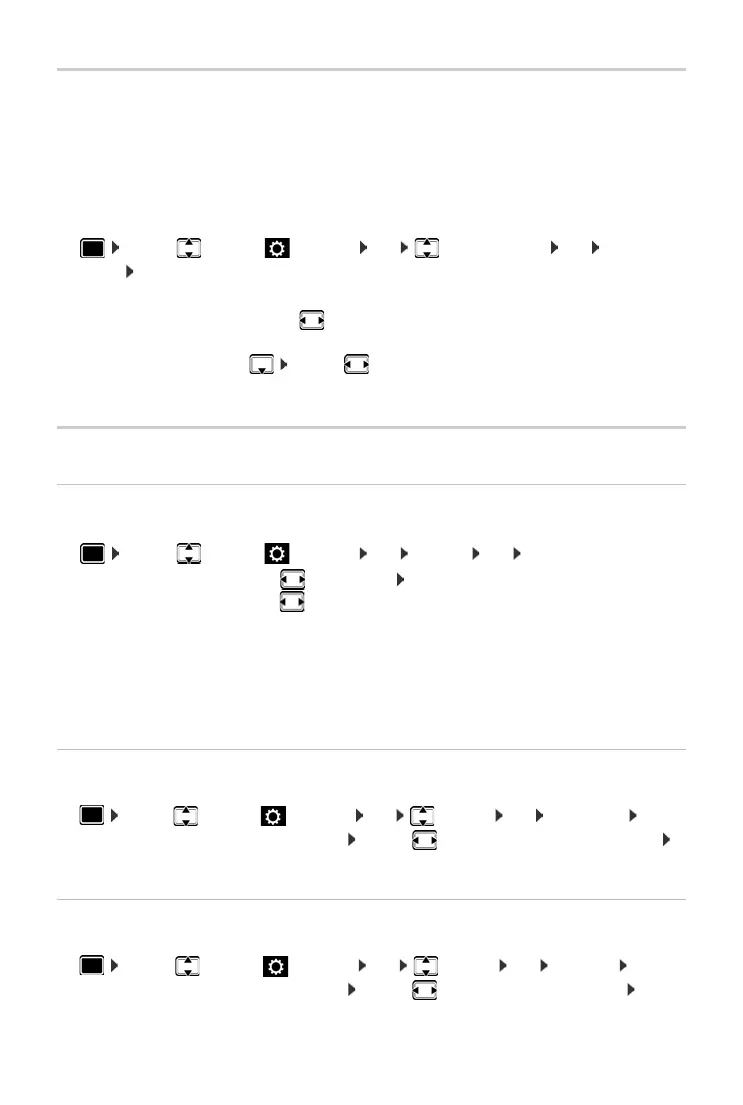
¤ . . . use to select Settings OK Audio Settings OK Advisory
Tones OK . . . then
Display
Screensaver (Digital clock)
¤ . . . use to select Settings OK Display OK Screensaver . . . then
End screensaver
¤ Press any key briefly . . . the display changes to idle status
Brightness
The brightness can be set at 10 levels.
¤ . . . use to select Settings OK Display OK Brightness OK . . .
the current setting is shown graphically . . . use to select the brightness required
Save
Contrast
The contrast can be set at 9 levels.
¤ . . . use to select Settings OK Display OK Contrast OK . . .
the current setting is shown graphically . . . use to set the required contrast Save
Confirmations: At the end of an entry or after making a setting and when a new entry arrives
in the netw
ork mailbox or the call list, if an entry is incorrect.
Key Click: Each press of a key is accompanied by an acoustic signal.
Confirmation/error tone after making entries:
¤ . . . use to select On or Off
Tone when keys are pressed:
¤ . . . use to select On or Off
Save the settings:
¤ Save
Switch off: . . . use to select Off Save
Switch on: . . . use to select the time the display spends in idle status before
the screensaver becomes active
10, 20, 30, 40, 50 or 60 minutes
Save the selection:
¤ Save



 To Next Page