15
Gigaset Maxwell basic / LUG IE-UK en / A31088-N4002-R101-3-7619 / telephony.fm / 6/9/16
Template Go, Version 1, 01.07.2014 / ModuleVersion 1.0
Making calls
During a conversation
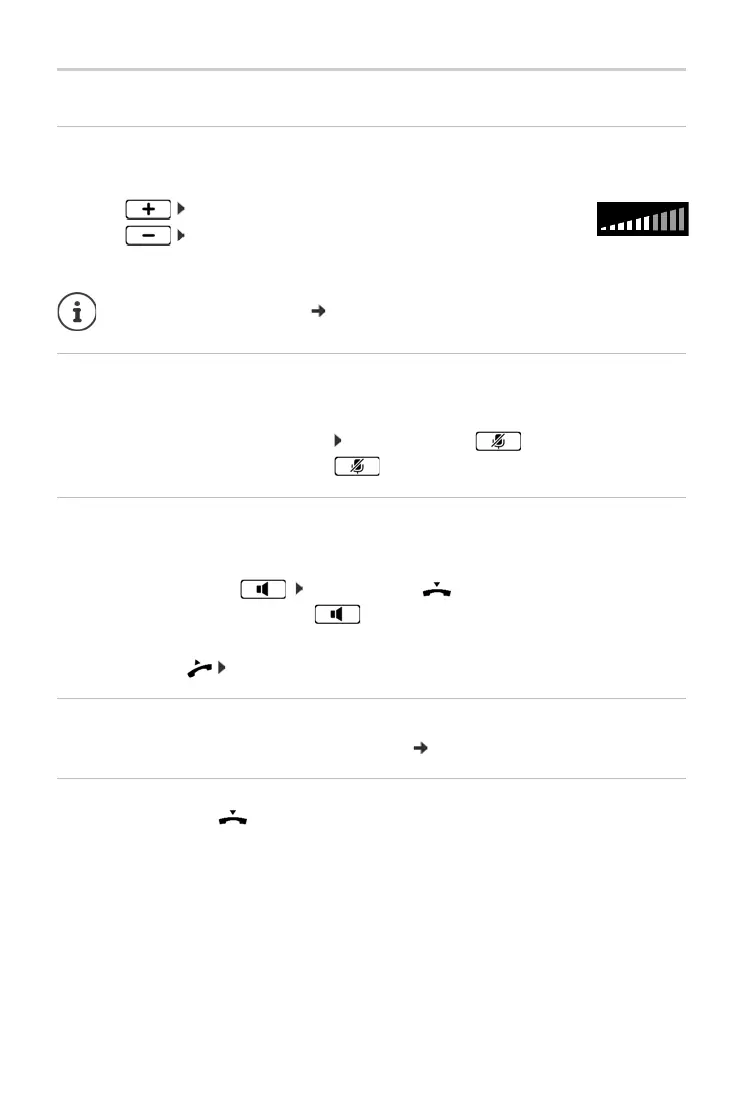
Changing the volume
Changing the volume of the handset, the handsfree function or the headset during a call.
If there is no input for two seconds, the most recent value is stored automatically.
Muting
Switching off the microphone in the handset, the handsfree facility and the headset. The other
party to the call no longer hears what is being said.
Activating/deactivating the microphone: Press the Mute key
Microphone is switched off: the Mute key is illuminated
Switching the handsfree function on/off
Making calls via the speaker and the microphone of the handsfree function.
Switching on the handsfree function during a call:
¤ Press the Handsfree key Replace handset
Handsfree function is switched on: the key is illuminated
Switching off the handsfree function during a call:
¤ Lift the handset continue the call through the handset
Displaying information
¤ Info . . . Information about the device is displayed ( p. 31)
Ending a call
¤ Replace the handset
Louder: Save
The volume can be set at 10 levels.
The current setting is displayed.
Quieter: Save
Permanent volume settings: p. 28.



 To Next Page