17
Gigaset Maxwell basic / LUG IE-UK en / A31088-N4002-R101-3-7619 / telephony.fm / 6/9/16
Template Go, Version 1, 01.07.2014 / ModuleVersion 1.0
Making calls
Initiating consultation call from the directory
During the conversation:
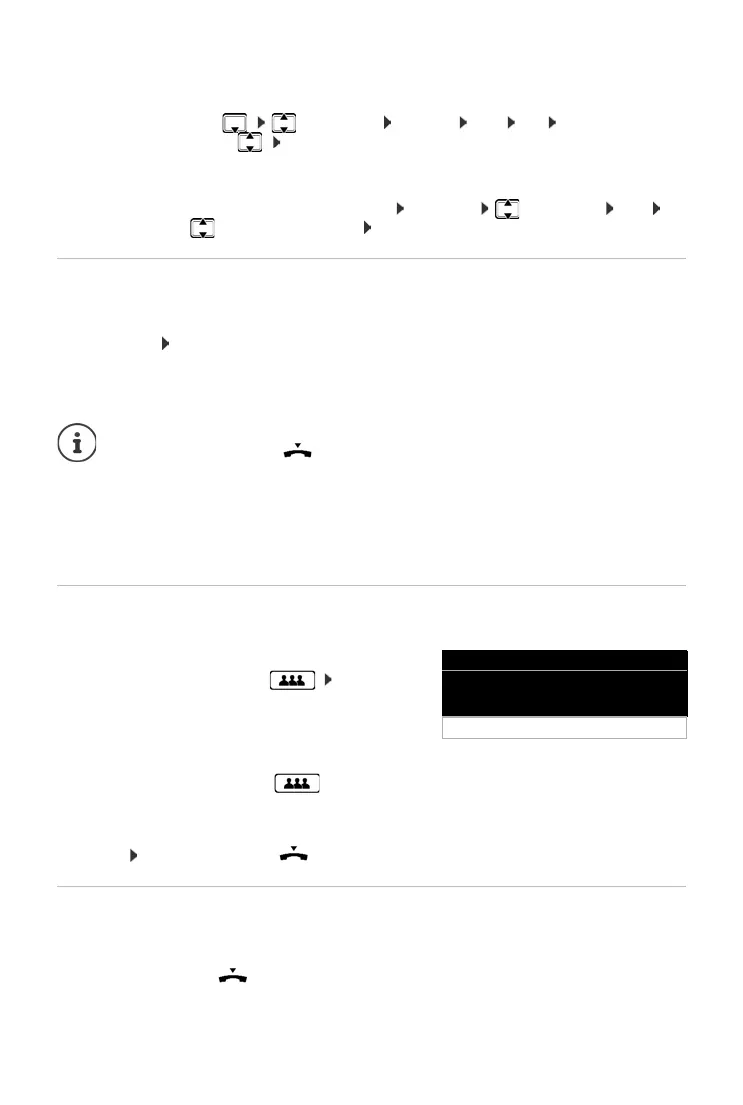
¤ Press the Control key select entry Options Dial OK . . . if necessary,
select the number with OK . . . the first conversation is put on hold, the number is
dialled
or
¤ Consult . . . the first conversation is put on hold Directory select entry Dial . . .
if necessary, use to select the number OK . . . the number is selected
Call swapping
Switch back and forth between two participants. The other call is placed on hold.
¤ Call a second participant during an external conversation (consultation call) or accept a
waiting call . . . use Swap to switch between the participants
Ending the connection to the active participant:
¤ End . . . the connection to the participant on hold is reactivated
Conference call
Speaking to two participants at the same time.
Initiating a conference from call swapping:
¤ Press the Conference call key . . . the active participant and the participant on hold
will be switched into the conference
Ending a conference call:
¤ End or replace the handset . . . the conference ends for all the participants
Transferring a call
Connecting both external participants to one another during call swapping or in an external
consultation call:
¤ Replace the handset . . . the call on hold will be transferred to the active participant.
If the active participant does not accept the call, a recall will be initiated by the participant on
hold.
Other ways of ending the call-swapping session:
• Replace the handset : The other two participants will be connected to one
another.
• The active participant ends the conversation: The connection to the participant
on hold is reactivated
• The participant on hold ends the conversation: The connection to the active
participant remains active.
Initiating a conference call during a conversation:
¤ Press the Conference call key call second
participant . . . the conference is established as
soon as the call is accepted
Peter Smith
004989123456789
End
Conference



 To Next Page