- 6 -
5 PIPETTING JUST LIKE WITH PIPETMAN
Using PIPETMAN M is as easy as using a mechanical PIPETMAN. Your PIPETMAN
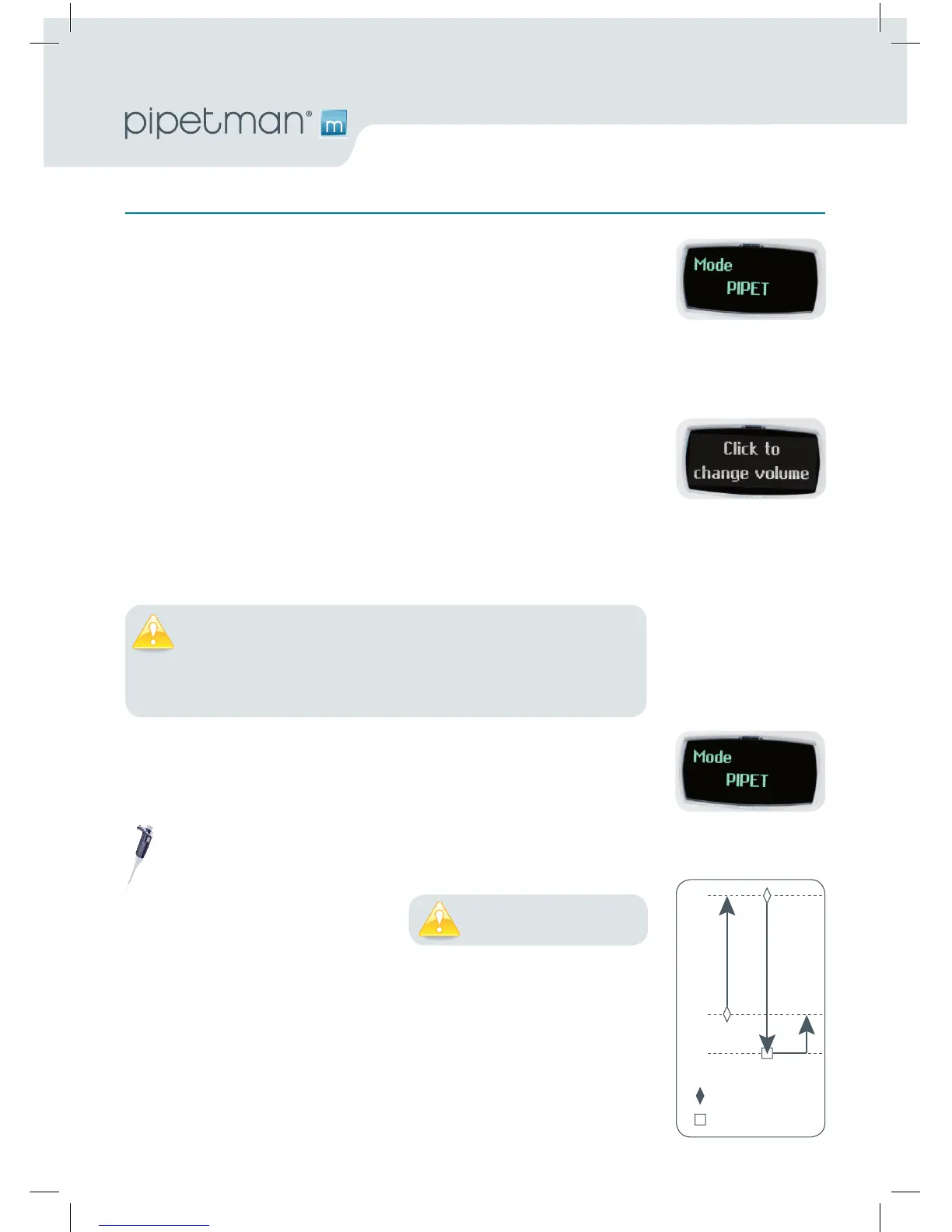
M is set by default on “PIPETMode”, that means forward pipetting. You can
select a volume and start to pipette.
Switch on
Press push-button.
Adjust the volume setting
• HoldyourPIPETMAN M in pipette position.
• Turnthepush-buttonhalfway,thescreenwilldisplay:“clicktochangevol.”
• Nowpressthepush-button;thevolumeonthedisplaywillstartblinking,
you can now adjust the volume:
• Turn the push-button either clockwise to decrease volume or counter
clockwise to increase volume, like indicated on the button.
• Pressthepush-buttononetimewhennished.Thevolumeislocked.
Youarereadytopipette!
PIPET Mode
This is the classic pipette mode (forward pipetting), your pipette is simply
aspirating and dispensing.
Application note: You can use the PIPET Mode for all standard applications like DNA extraction, Plasmid Isolation,
Cloning, Dilution, PCR, qPCR and many others. You can easily pipette aqueous liquids like buffer, chemical solutions
(MgCl2, KCl …) and biological samples like blood, DNA and RNA.
• Fitatipsuitableforthemodelof
PIPETMAN M that you are using
(preferably use PIPETMAN TIPS for
assurance of accurate and precise
results;refertoChapter8).
• Pressthepush-buttontoaspiratetheselectedvolume.
• Todispense:
Click (press and release) the push-button. Three things happen: sample
dispense, automatic purge and piston reset to zero.
or
Keep your thumb pressing the push-button until the end of the dispense
cycle: The piston reset takes place after releasing the push-button again.
You must always fit a tip
before using any pipette!
The tip can be emptied at any time during a pipetting cycle. To do
so, turn the push button quickly: the message “click to abort” will
appear on the screen. Click on the push button to validate: the liquid
will be dispensed and an automatic purge followed by piston reset
to zero will occur.












 To Next Page