- 7 -
This feature enables you to remove the tip from the liquid, without aspirating anything.
• Ejecttipbypressingtheejectionbutton.
Your PIPETMANMisreadyagain for next pipetting cycle while maintaining the volume and the last
settings!
YouhavebeenpipettinglikewithyourmechanicalPIPETMANandonlyneeded2pushesonthe
push-button!
6 PIPETTING MODES
PIPETMAN M oers more pipette techniques for a large number of
applications:Youwillndallpipettingmodesinthemenu(forsystem
settingsrefertotheChapters7and13).Accessthemenubypushingthe
Mode-button. Tochooseoneofthepipettingmodes,turnthepush-
buttonandconrmyourselectionbyasimpleclick!
REPETITIVE Mode
TheREPETITIVEModeallowsyoutodistributea
samevolumerepeatedlyinpredenednumber
(N) of equal aliquots. You supply the aliquot
volume(AV)andthepipetteautomaticallycal-
culates the number of aliquots possible from the
nominalvolume(NV)ofthepipetteasfollows:
N = NV/AV (e.g. 100 L x 10 for P1000M).
You also can decrease the number of repetitions (e.g. 100 L x 10-(n≥1) for P1000M).
Application note: The REPETITIVE Mode is ideal for dispensing aliquots, e.g.; dispensing a PCR master mix into PCR
tubes or 96 plates, pipetting elution buffer for DNA extraction, preparing a target for spectrometric analyses, distributing
loading buffer into samples, etc.
•
Press Mode-button to access system menu, where you can choose between
dierent pipette modes.
Select REPETITIVEModebyturningthepush-button.Toconrmyourselectionclickonthepush-button.
• Turnthepush-buttonhalfway,thescreenwilldisplay:“clicktochange
vol.”
• Nowpressthepush-button;thevolumeonthedisplaywillstarttoblink,
you can now adjust the volume:
• Setthealiquotvolume:clickthepush-button,setthevolumebyturningthepush-buttonandclick
againtoconrmyoursettings.
• Setthealiquotnumber:ThemaximalnumberofaliquotshasbeencalculatedbyyourPIPETMAN
M. The number of aliquots ashes and you can decrease this number (N–(n≥1)) by turning the
push-button.Clickagaintoconrmyoursettings.
Youarereadytopipette!
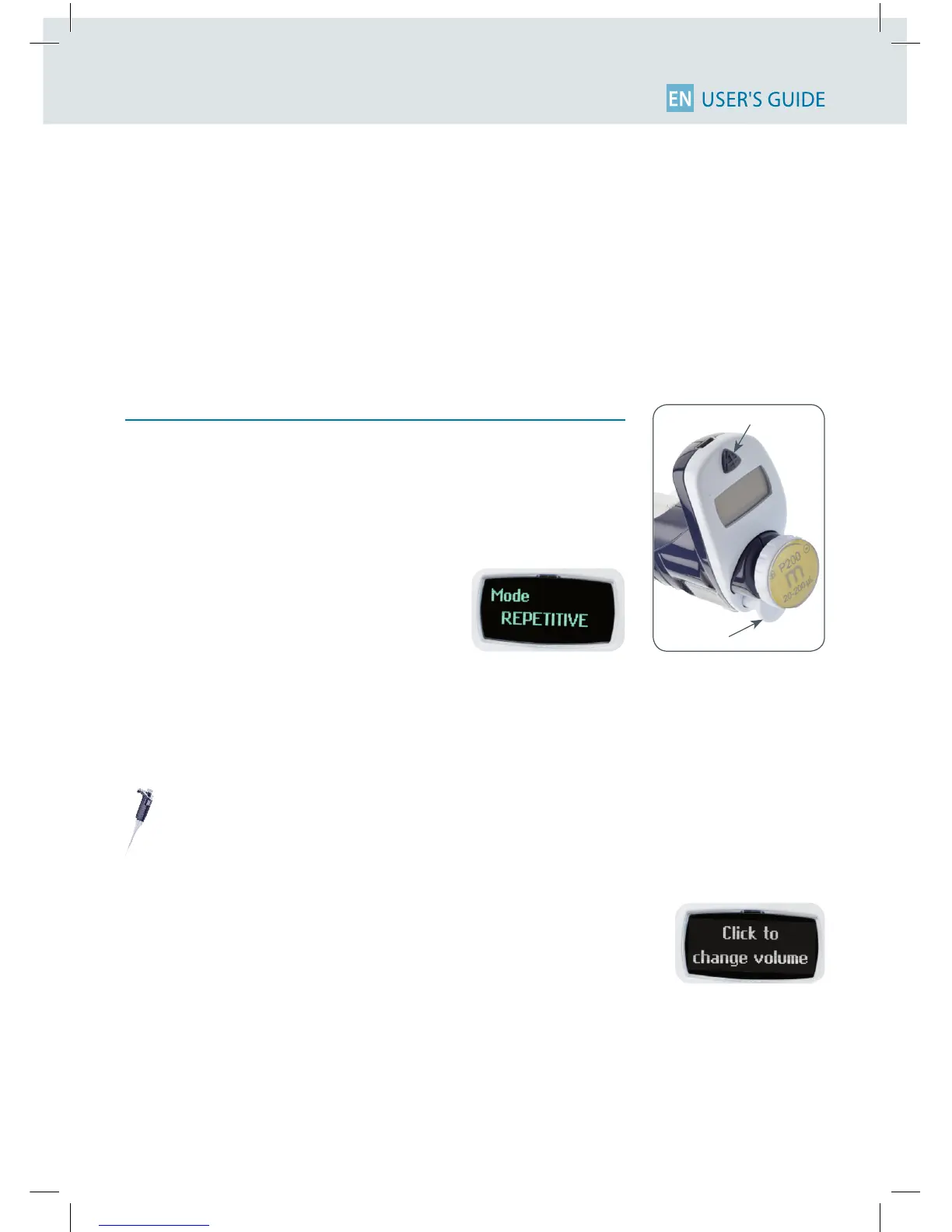
Push-button
Mode-button












 To Next Page