- 14 -
10 PERSONALIZE YOUR PIPETMAN M
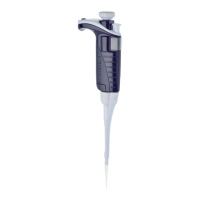
Tip-ejector Extension for use with P10M
In order to eject D10 tips, tip ejector extensions are supplied with P10M
pipettes.
Thetip-ejectorextensionwhichismadeofPVDF(polyvinylideneFluo-
ride), is autoclavable.
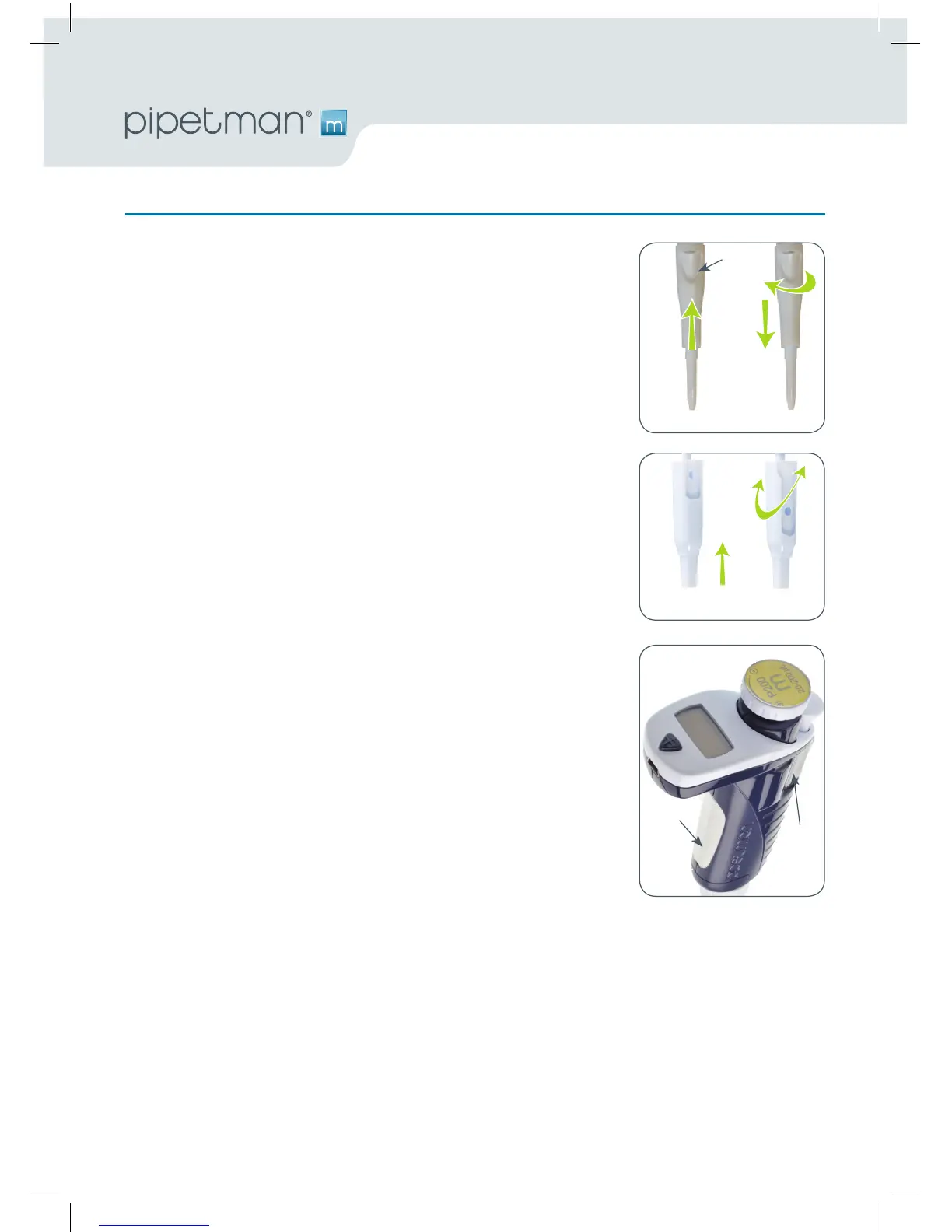
To fit a tip-ejector extension:
• Holdthepipettewiththepush-buttonupright.
• Holdtheextensionwiththeslotupright.
• Slidetheextensionoverthetip-holder.
• Pushtheextensionrmlyontotheendofthetip-ejectoruntilitclicks
into place (see opposite).
To remove a tip-ejector extension (see opposite):
• Holdthepipetteinonehandandgriptheextensionwiththeother.
• Gentlytwisttheextension(eitherdirection)andpullitawayfromthe
pipette.
Personal Label – Name and/or Application Tag:
Your PIPETMAN M oers you two options to mark your pipette. You can
personalize your pipette with a name tag and/or an application tag:
Window-Tag:
•
Remove the window by inserting a small screwdriver in the access slot.
•
Position the name tag on the pipette
•
Clip the window back in place.
Clip-Tag:
•
Pull o the clip.
•
Position the name tag into the clip
•
Clamp the clip back in place.
Window-tag
Clip-tag
Short tips Long tips
To fit To remove
Slot



 To Next Page