29
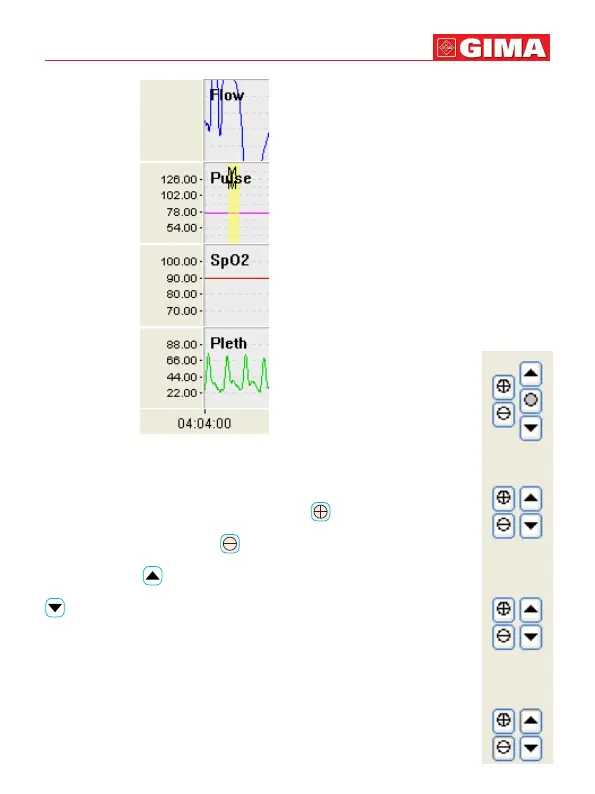
Figure 5-3-2
The buttons on the right of the waveform display area are showed
in Figure 5-3-3, here, you can adjust the size and the baseline
position of the waveform. When clicking , the amplitude will
get bigger; when clicking , the amplitude will get smaller;
when clicking , the baseline will move up; when clicking
, the baseline will move down. Meanwhile,when adjusting
the amplitude, the data mark in Figure 5-3-2 will change corre-
spondingly, while for the leads without data mark, the waveform
gain back of the waveform name will change bigger or smaller.
Figure 5-3-3
ENGLISH



 To Next Page