Management and control system 13
Code no. 576017
Rev. nº 02/0415
2.1. Control panel
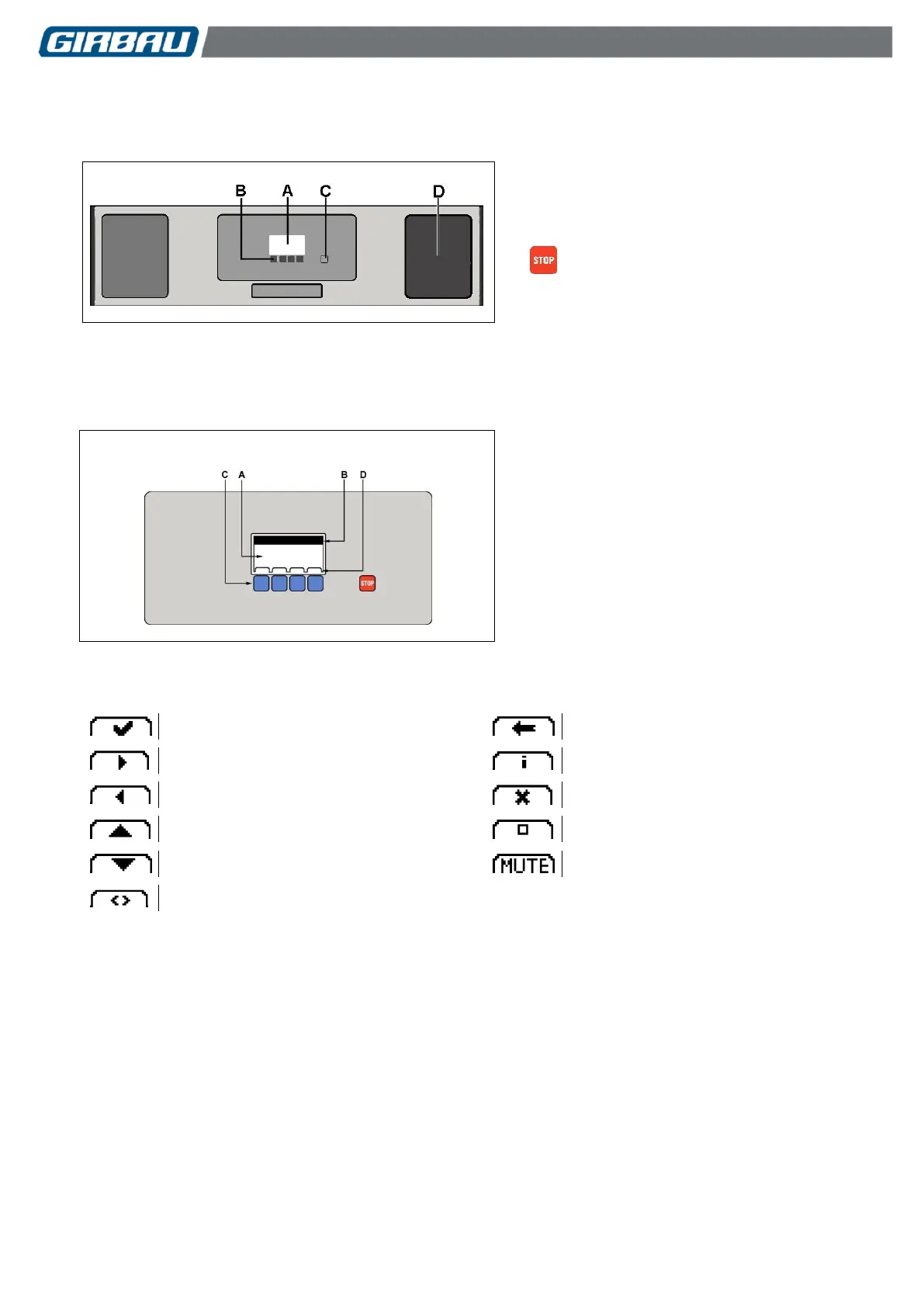
User interaction devices on the dryer
A.- LCD display. Displays all the operating
information.
B.- Multifunction keypad. Allows interaction
with the machine.
C.- key. Key for stopping the program.
D.- Coin meter box, coin reader, tokens, cards,
start button, etc. (depending on option).
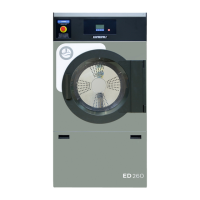
2.1.1. User interface
Enables the user to interact with the different operations run by the dryer.
A.- Display. General overview of menus,
programs and functions.
B.- Specific information on system tools and
edit menus. Further information on indicated
menus.
C.- Program selection keypad. (On system tools
and edit menus this keypad runs other
functions).
D.- Function indicator bar. Displays the function
assigned to the corresponding key.
2.1.2. Keypad functions on system tools and edit menus
Confirmation/Modification
Screen in text mode. Used in SYSTEM TOOLS mode menus. The language for the texts can be
selected in the settings menu. Refer to Section 7.1.1.


 To Next Page