Edit mode 20
Code no. 576017
Rev. nº 02/0415
5. PROGRAM EDIT MODE
5.1. Access to Program Edit Mode
To access the Program Edit Mode, the dryer should not be running any programs.
Access
Hold the key down for a few seconds. The dryer will emit a beep and freeze the instruction display.
Enter the access code and press the key.
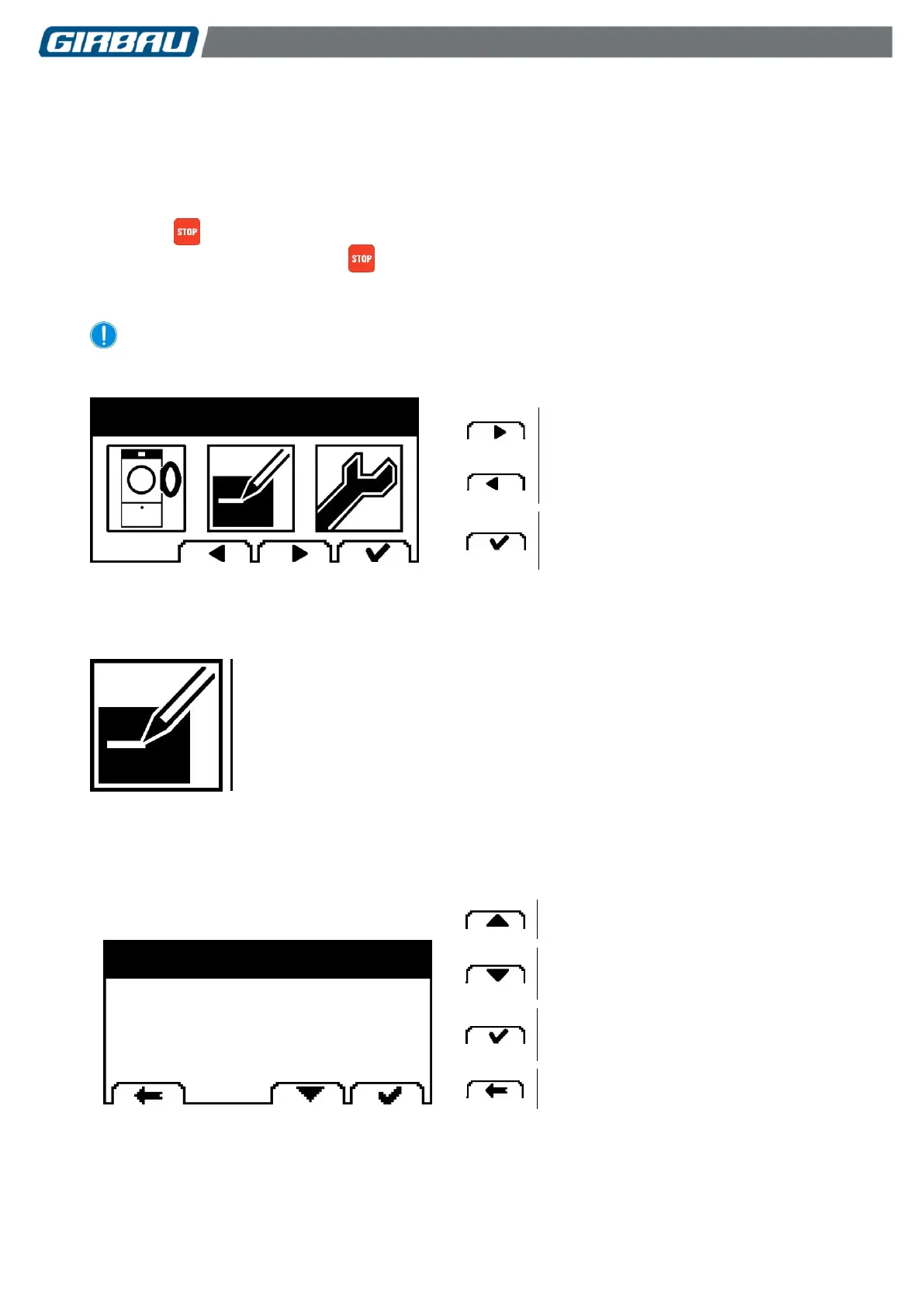
The dryer screen will display the three intervention modes.
Select the icon for the mode to be run.
Selecting the Run Programs mode makes it possible to leave Advanced Mode.
Selecting the intervention mode
In the Edit menu it is possible to modify the values of the programs.
5.2. Editing a program
Selecting a program.
Accessing the following screen.
Back to the previous menu.
1: VERY HOT
2: HOT
3: WARM



 To Next Page