Glidermatic GTS+ Installation Instructions & owner’s manual Page 12
Automatic Closing Setting
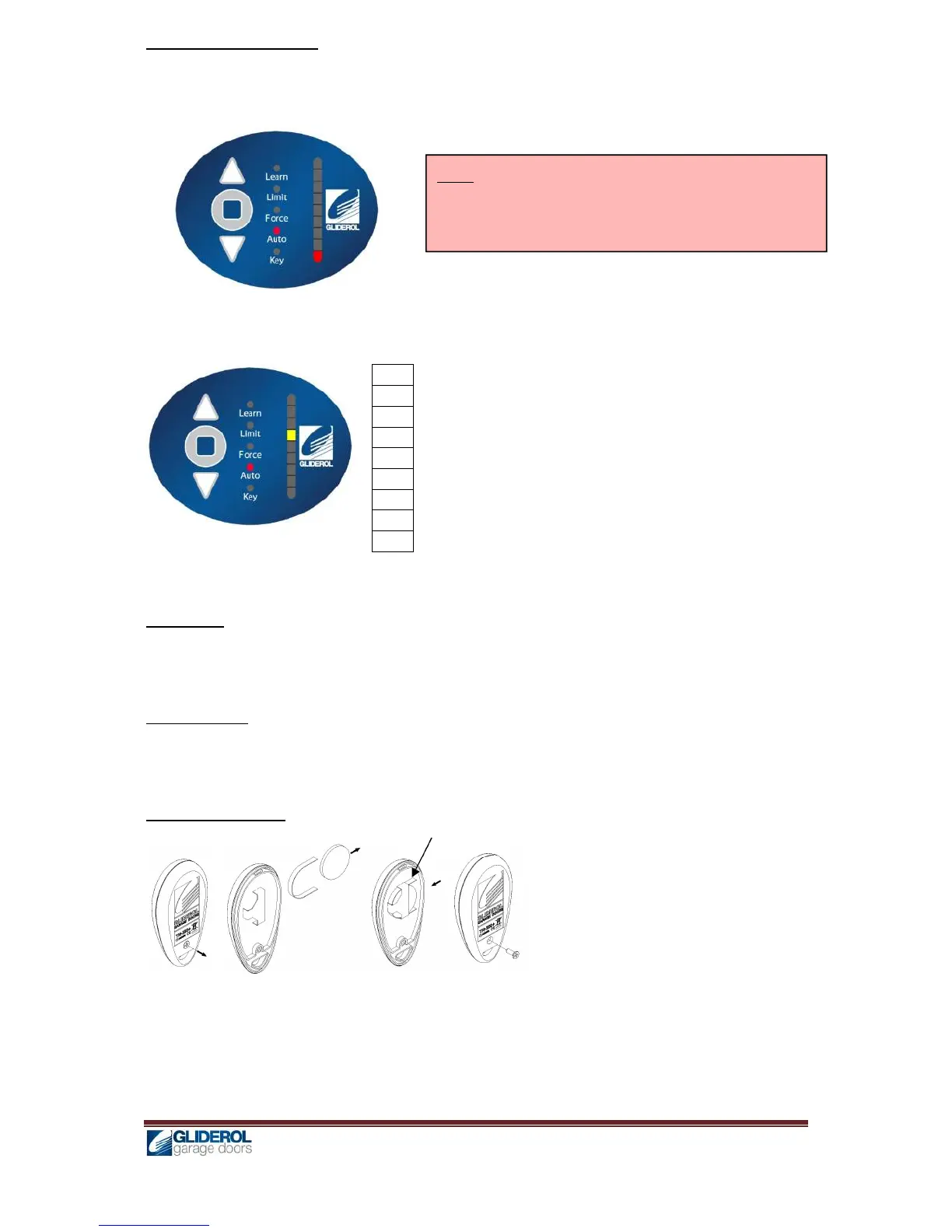
1. Press and hold [ENTER] for 2 seconds to enter menu selection
2. Using [UP] and [DOWN] to select Auto option, and press [ENTER]
3. [INDICATOR] will lit to show current configuration
4. Using [UP] and [DOWN], to adjust the automatic closing setting in the below manner
80s
70s
60s
50s
40s
30s
20s
10s
OFF
Above shows a setting for 50s automatic closing
5. Press [ENTER] to confirm selection, and a beep will signal for successful setup.
LED Control
Under 3 Keys transmitter mode, the LED can be switched on and off using the STOP key. This will
also output to the EXTLIGHT terminal on-board.
Vacation Mode
Transmitter signal can be locked out by pressing STOP & CLOSE keys simultaneously and holding it
for 3 seconds on the transmitter. To deactivate, press the same keys again and hold it for 3 seconds.
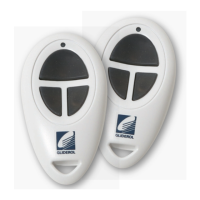
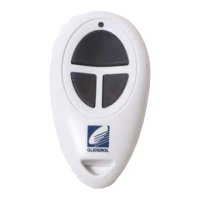
Key Ring Transmitter
Battery Type 3V CR2016x2 (Lithium Cell)
To replace batteries:
1. Remove the screw on the back case.
2. Replace the old batteries with new ones (3V CR2016x2) and ensure plastic strip remain intact in clip.
3. Locate back of case and secure with screw.
Note: If Auto Close is enabled it is important to fit an
auxiliary safety device like Photo beams to avoid human
entrapment or door accidently hitting any object.


 To Next Page