12
4. DOWNLOAD THE APP FOR weBBoat® Plus 5G
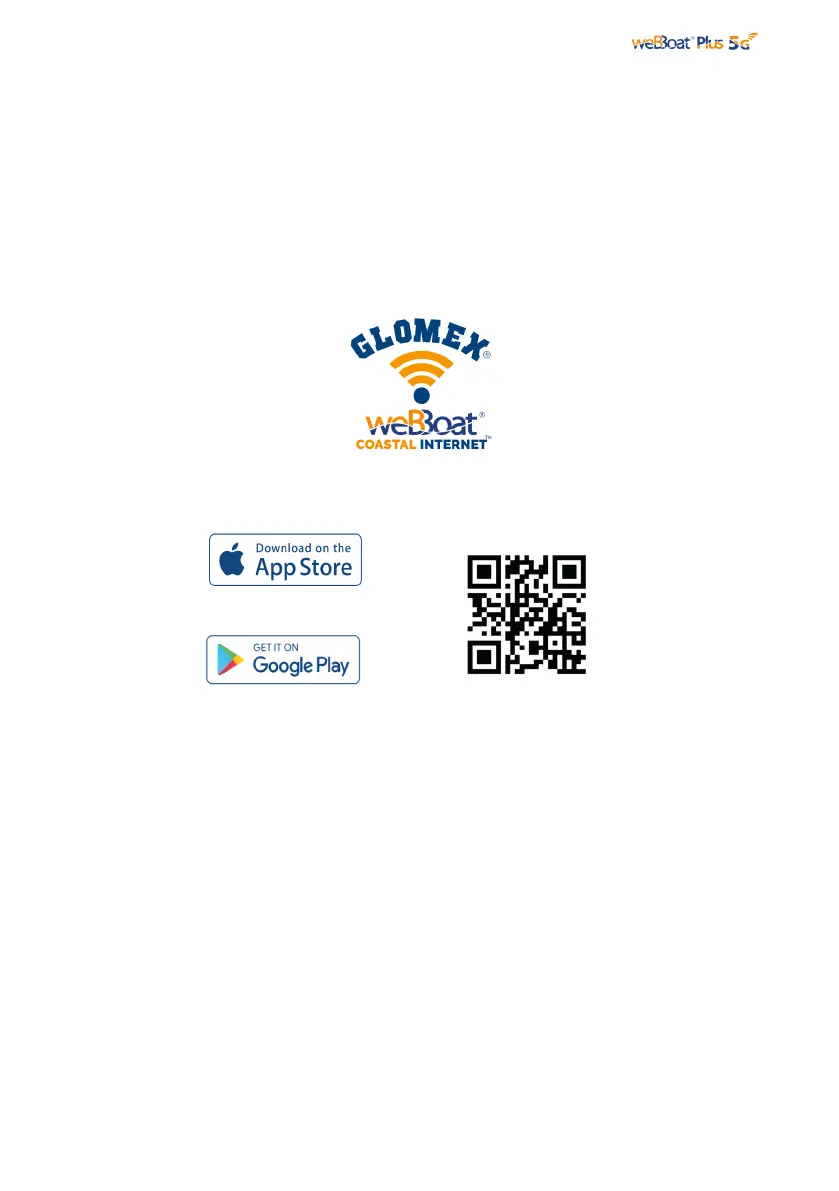
Fig. 7
Download and install the weBBoat APP on your device from the APP store (for iOS
devices) or from Google Play (for Android devices). Scan the QR code below (Fig.
7).
NOTE: This user manual refers to the iOS version. The screens for the Android will
differ slightly.
IMPORTANT: The app instructions should be used only by the weBBoat® Plus 5G
administrator (using only one device). After following all the steps in the following
instructions, all the other internet devices (up to 31) must simply select the Wi-Fi
network of the weBBoat and enter the password, if required.
Connect your mobile device (e.g. smartphone) to the weBBoat® Plus 5G Wi-Fi network
(Fig. 8). The default Wi-Fi network name (SSID) is weBBoat_XXXX (where XXXX is a
unique string for each weBBoat® Plus 5G) and it’s not password protected .
NOTE: It is advised after initial setup to create a password (minimum 8 characters)
to secure the weBBoat® Plus 5G network. (see paragraph 6).



 To Next Page