22
9. UPDATING FIRMWARE AND APN DATABASE
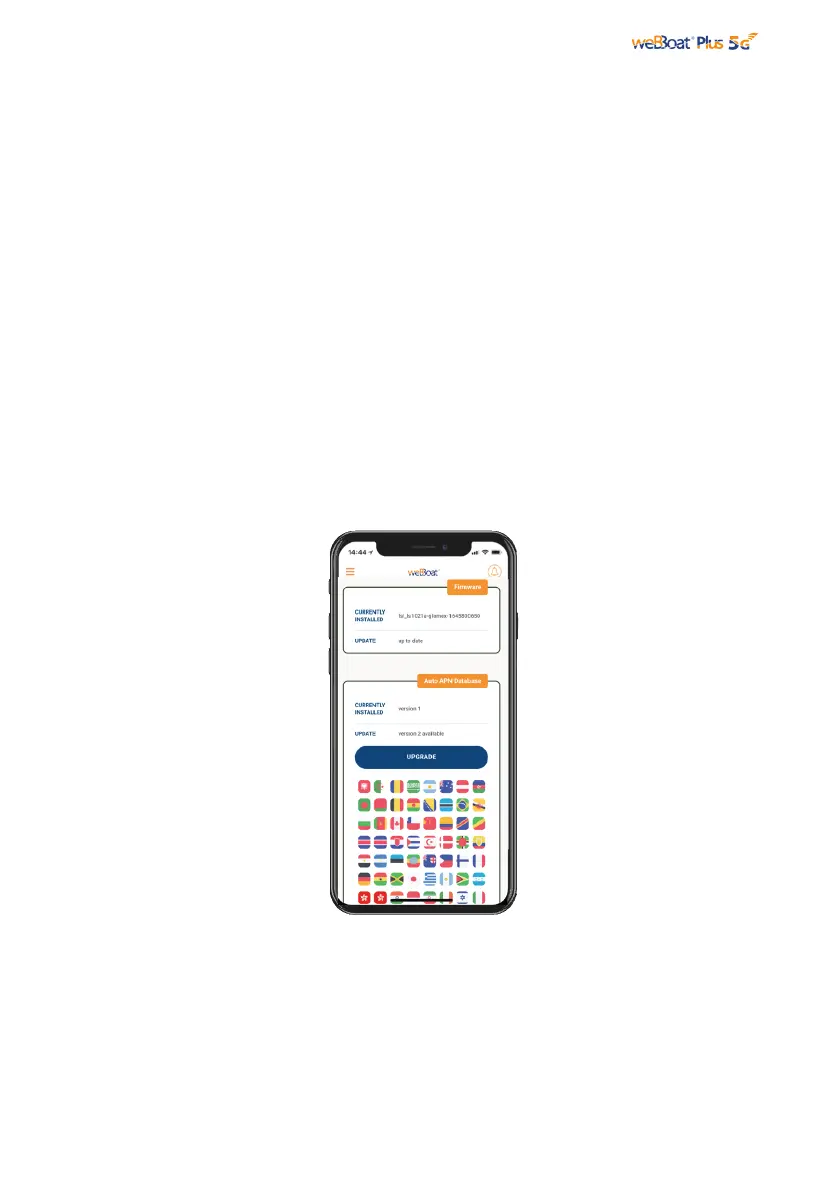
Fig. 25
PLEASE DO NOT POWER OFF THE weBBoat® Plus 5G
DURING THE INSTALLATION
When firmware and Auto APN database updates are available, they will appear as an
Upgrade Button in the “System Updates” menu (Fig. 25). Tap “Upgrade” button to
perform the upgrade and wait for a few minutes.
IMPORTANT: When the Firmware upgrade is completed, weBBoat® Plus 5G will reboot
automatically. Close the weBBoat App, reconnect your mobile device (e.g.
smartphone) to the weBBoat® Plus 5G Wi-Fi network and then reopen the App.
WARNING:



 To Next Page