23
10. SMS MANAGEMENT
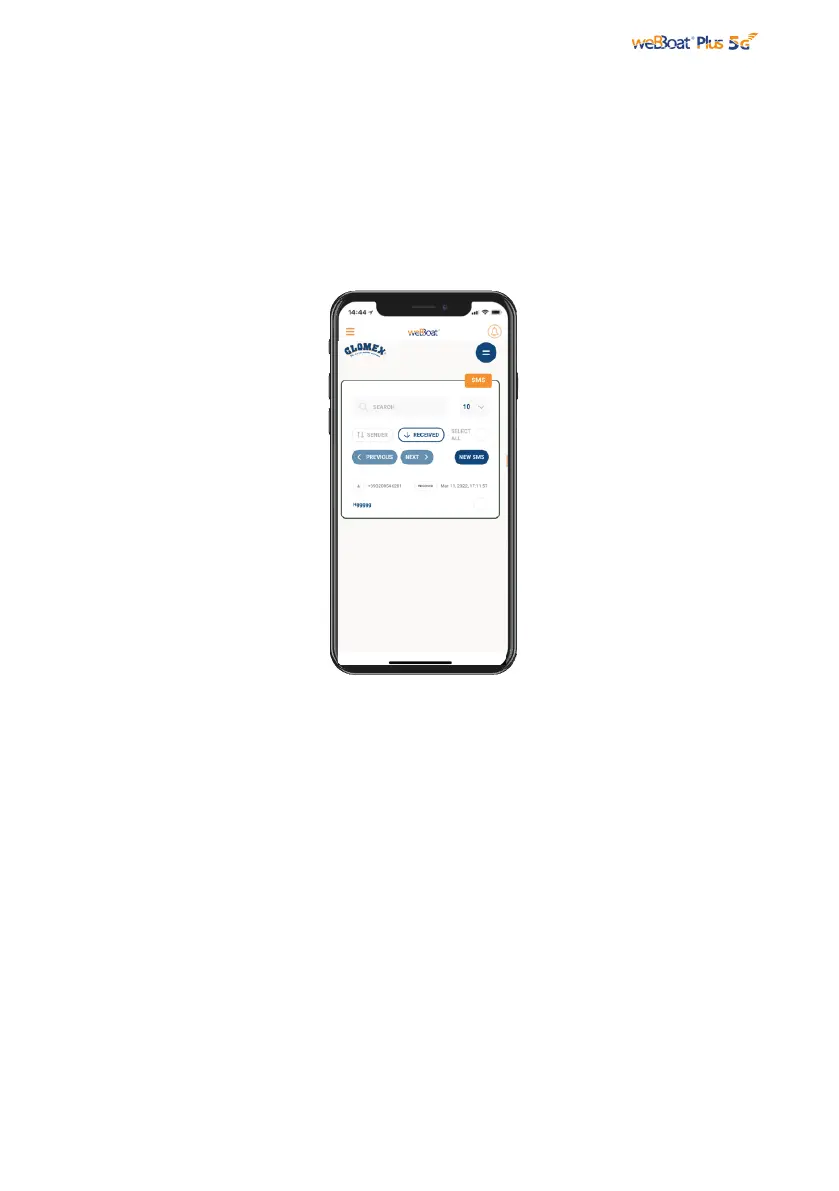
Fig. 26
The SMS section on the menu (Fig. 21) shows a number that indicates the number of
received and unread SMS on the active SIM in the weBBoat® Plus 5G. By clicking on
SMS you access the SMS section where you can read the SMS, monitor your credit
and, if the SIM is enabled, send messages (Fig. 26).



 To Previous Page