13
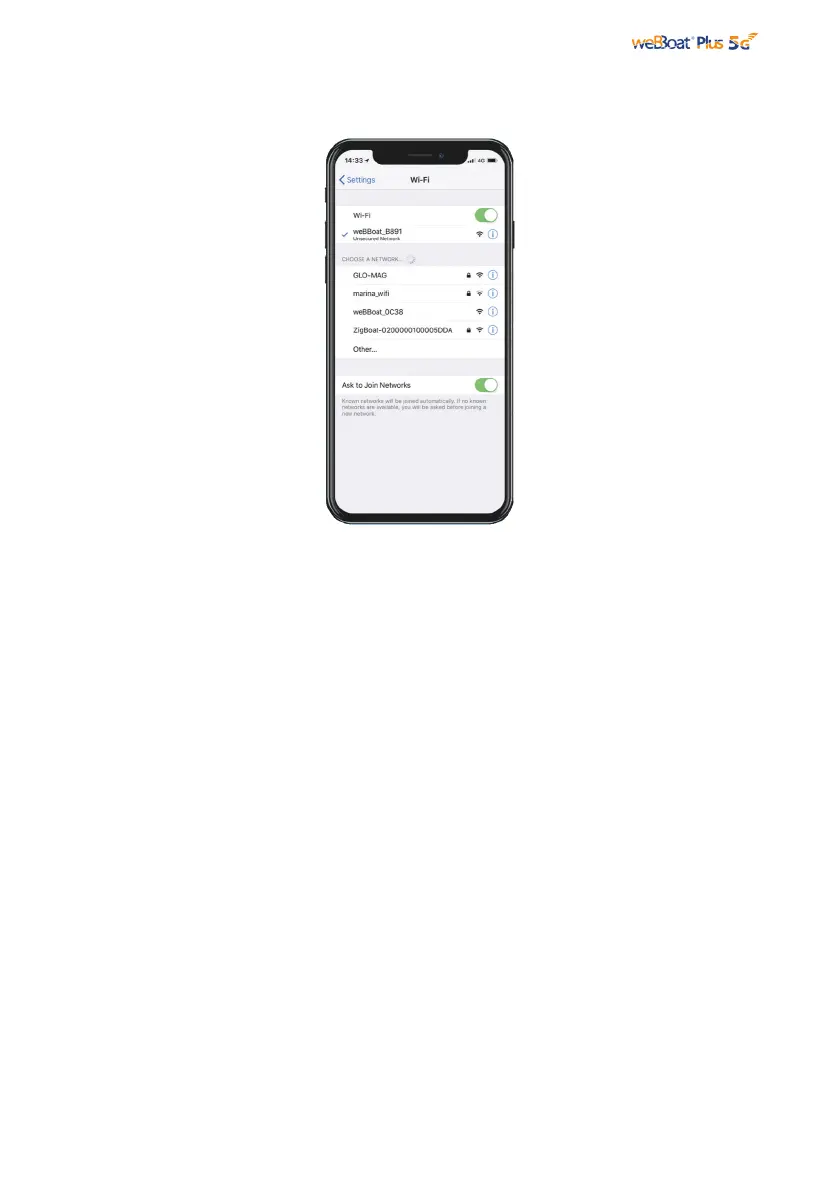
Fig. 8
Open the weBBoat App. Tap the “+” button in the top right corner (Fig. 9). Tap the QR
Code button. Scan the QR Code on the quick guide and press “Save” (Fig. 10). After
scanning the QR code, you can rename the device if desired.
Alternatively, you can connect the weBBoat® Plus 5G by tapping the “+” button on the
top (Fig. 9) and the string associated with the QR Code located on the label (Fig. 10).
NOTE: The QR code and the Serial Number can be found on the bottom-right of page
2 of the quick reference guide or inside the lower radome of weBBoat®.
5. FIRST SETUP



 To Next Page