20
WARNING:
The used lancet and test strip may be biohazardous. Please discard them
carefully according to your local regulations.
NOTE:
• Do not press the punctured site against your test strip or try to smear the
blood.
• If you do not apply a blood sample to the test strip within 3 minutes, the
meter will automatically turn off. You must remove and reinsert the test strip
to start a new test.
• The confirmation window should be filled with blood before the meter
begins to count down. NEVER try to add more blood to the test strip after
the drop of blood has moved away. Discard the used test strip and retest
with a new one.
• If you have trouble filling the confirmation window, please contact your
health care professional or GlucoRx Customer care on 01483 755133 for
assistance.
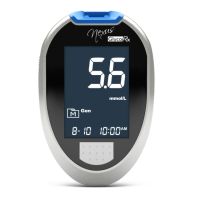
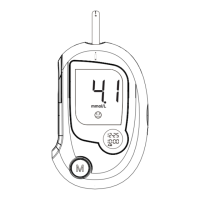
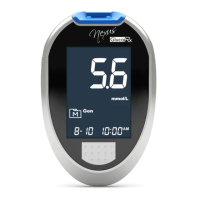
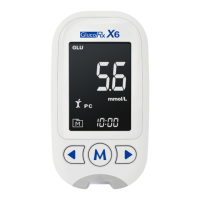
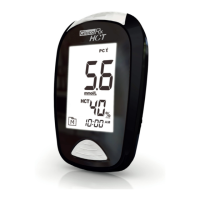
5. Read your result
The result of your blood glucose test with HCT level or the result of
your β-ketone test will appear after the meter counts down to 0. The
blood glucose result with HCT level or the β-ketone result will be
stored in your memory automatically.
6. Eject the used test strip (m)
Eject your test strip by pushing the eject button on the side. Use a
sharps bin to dispose of used test strips. The meter will switch itself
off automatically.
Always follow the instructions in the lancing device insert when
removing the lancet.
enough blood sample has been applied. Do NOT remove your finger
until you hear a beep sound.


 To Next Page