19SETTING THE METER
Call Customer Service Toll Free at 855-GO-GMATE (855-464-6283) / 24 hours a day, 7 days a week.
www.Gmate.com
Note: To exit the Alarm setting at any time, press both the left and right
buttons together for 2 seconds.
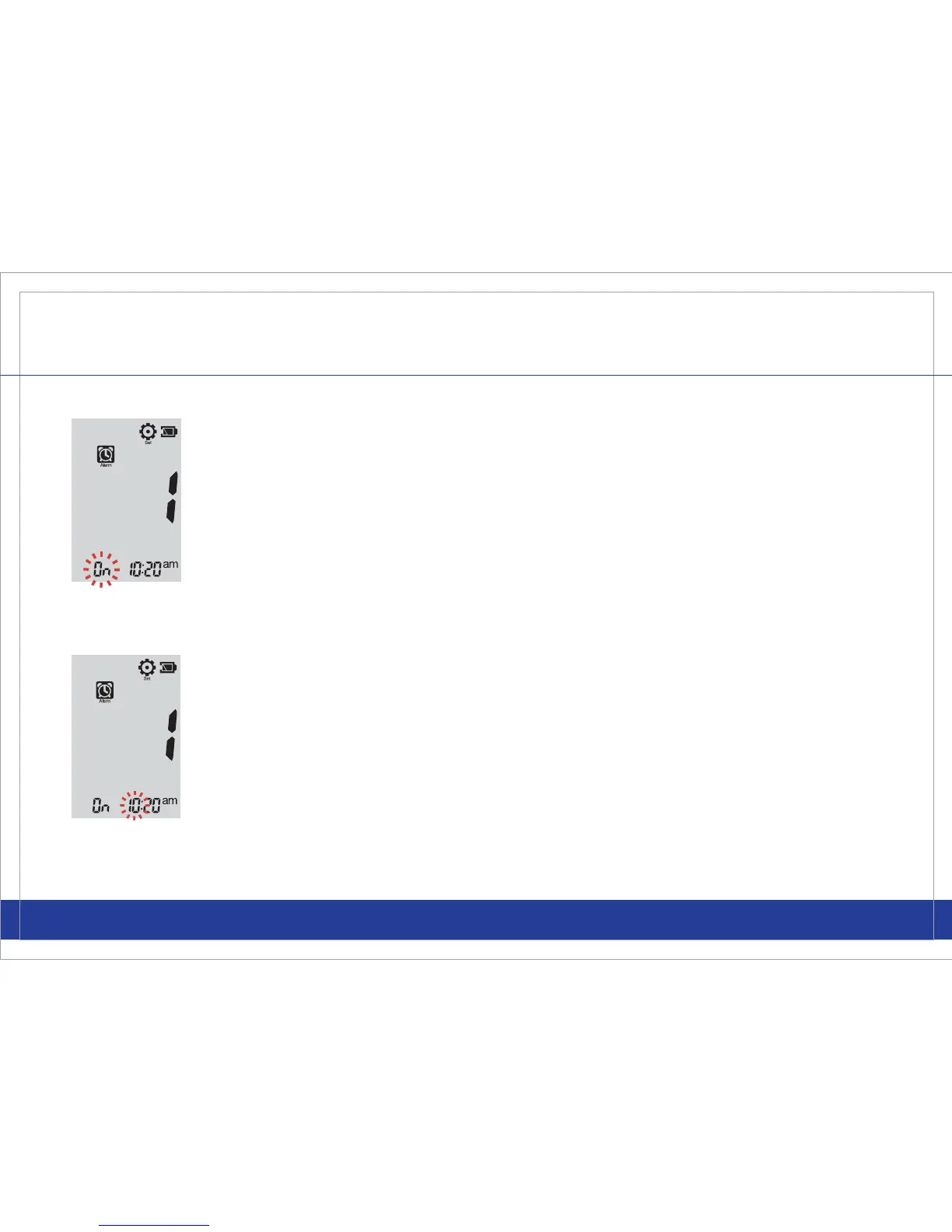
STEP 4
To turn the alarm “On” or “OFF”, use the left or right button to make your
selection then quickly press and release both left and right buttons
together. If “On” is selected, to set your 1
st
Alarm, select the hour and
minutes (be sure to properly select AM or PM) by using the left or right
buttons. Once you have selected the desired hour and minutes, quickly
press and release both the left and right buttons together and you can
proceed to schedule the 2
nd
Alarm time. By following the same process,
you may enter up to 4 Alarm times.
STEP 5
If “OFF” is selected, you can quickly press and release both the left and
right buttons together to advance to the next alarm and so forth (up to 4
Alarm times). To quickly exit the Alarm setting, press both the left and
right buttons together for 2 seconds.



 To Next Page