23
SETTING THE METER
Call Customer Service Toll Free at 855-GO-GMATE (855-464-6283) / 24 hours a day, 7 days a week.
www.Gmate.com
STEP 4
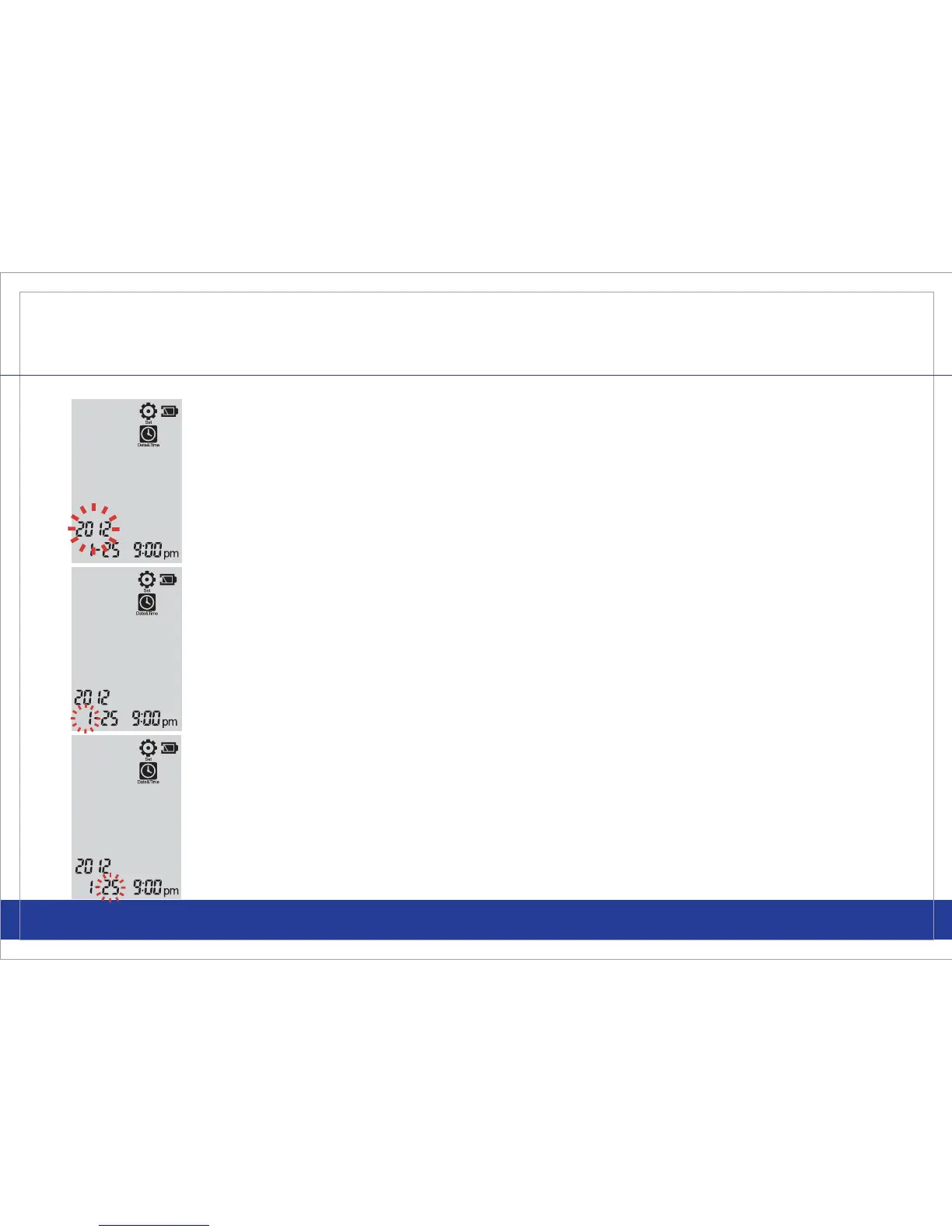
Setting the Year: The “Year” will be ashing. Use the left or right button to
adjust the Year. The left button will decrease the number and the right
button will increase the number. Once the desired year has been selected,
quickly press and release both left and right buttons together to conrm
your entry and advance to the “Month” setting.
STEP 5
Setting the Month: The “Month” will be ashing. Use the left or right
button to adjust the Month. Once the desired month has been selected,
quickly press and release both left and right buttons together to conrm
your entry and advance to the “Day” setting.
STEP 6
Setting the Day: The “Day” will be ashing. Use the left or right button to
adjust the Day. Once the desired day has been selected, quickly press
and release both left and right buttons together to conrm your entry and
advance to the “Hour” setting.



 To Next Page