TX4400 INSTRUCTION MANUAL PAGE 5
SQUELCH
The Squelch is used to eliminate any annoying background
noise when there are no signals present. The TX4400
features a continuously variable Squelch control system
allowing the user to set the Squelch for optimum
performance.
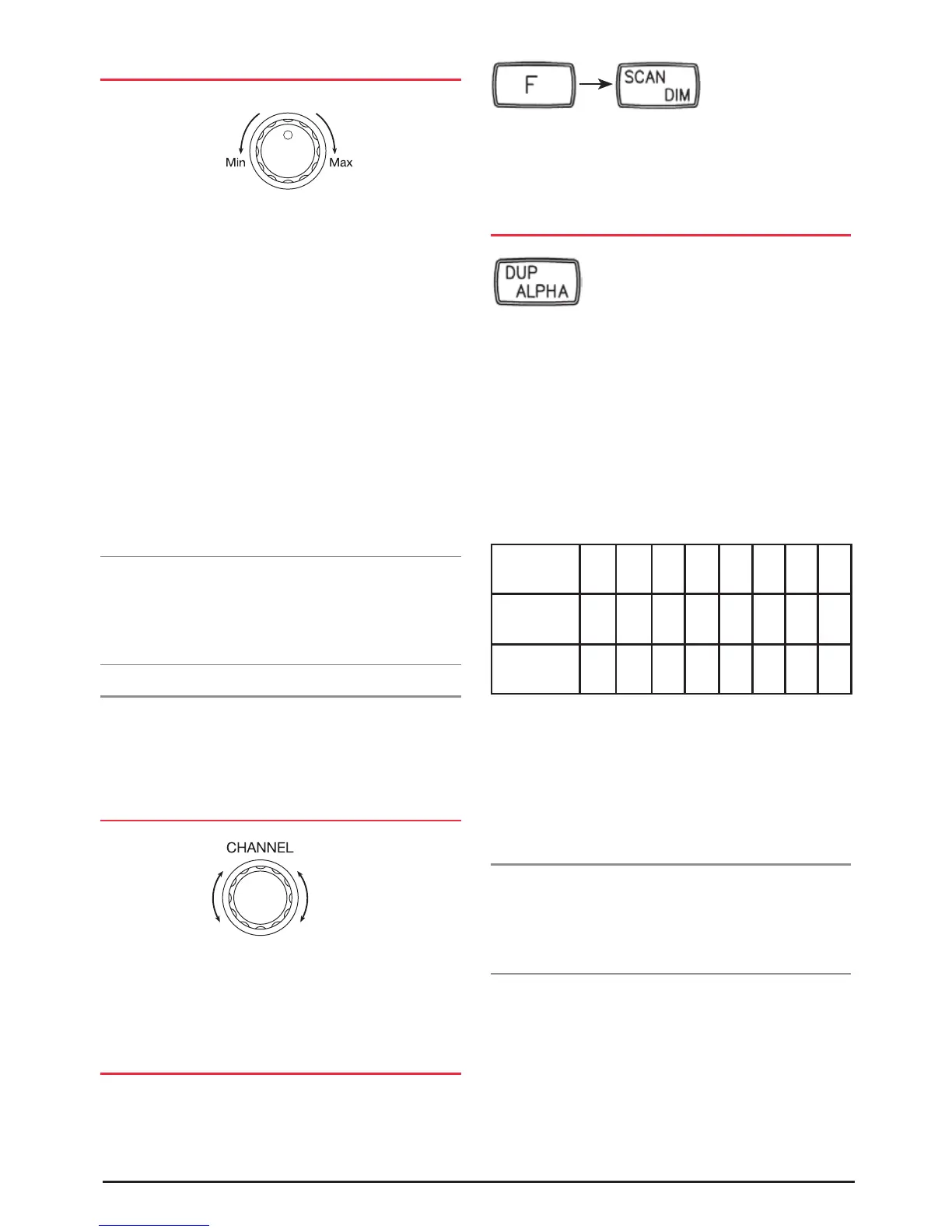
To adjust the Squelch, first rotate the Squelch control
fully counter-clockwise until the background noise is
heard and the ‘BUSY’ indicator is displayed on the LCD.
Now advance the Squelch control slowly clockwise until
the noise is just extinguished and the ‘BUSY’ indicator
disappears. At this point the receiver will remain quiet while
no signals are present, but an incoming signal will override
the Squelch and be heard in the speaker. As the Squelch
control is advanced further clockwise the Squelch action is
progressively increased and stronger incoming signals are
needed to overcome it.
Note: If an incoming signal is very weak and is close to the
minimum squelch level, it may become broken or ‘chopped’
by the squelch action. To prevent this, simply turn the
Squelch control fully counter-clockwise to open the squelch,
which will allow the signal to be heard clearly.
MONITORING FUNCTION (MON)
When using CTCSS, press the Squelch knob to temporarily
open the Squelch to allow you to listen for signals on the
channel. For a full description of the MON function refer to
the CTCSS section.
SELECTING CHANNELS
Select the required channel by rotating the channel selector
knob. Rotate the knob clockwise to select higher channels
and counter-clockwise to select lower channels. The selected
channel is displayed in large numbers on the LCD.
BACK LIGHTING
The Liquid Crystal Display and function keys are backlit for
easy viewing at night or in low light situations. The LED
back lighting is on at all times while the TX4400 is
turned on.
To DIM the backlighting, briefly press the F key, followed
by the DIM key. Repeat the sequence to restore the
backlighting to full brightness.
DUPLEX SWITCH
Duplex operation allows the TX4400 to transmit on a
different frequency to that which it receives. This allows
operation through any repeater stations in your area.
Repeaters automatically re-transmit your signal over a
wider area, providing greatly increased range.
The Duplex function operates only on channels 1 - 8.
When Duplex is selected on one of these channels, the
TX4400 receives on that channel but actually transmits
30 channels higher.
Channel
Selected
1 2 3 4 5 6 7 8
Receive
Channel
1 2 3 4 5 6 7 8
Transmit
Channel
31 32 33 34 35 36 37 38
The TX4400 allows you to select duplex operation on
individual channels. This is particularly useful in country
areas where there may only be one or two repeaters. The
unused repeater channels can then be used for normal
simplex or direct radio-to-radio communications.
To select Duplex on individual channels:
1. Select the required channel 1 - 8.
2. Briefly press the DUP key. ‘DUP’ will appear on the
display accompanied by a high beep.
To remove Duplex from a channel:
1. Select the required channel 1 - 8. ‘DUP’ will be visible on
the display.
2. Briefly press the DUP key. ‘DUP’ will disappear from the
display accompanied by a low beep.
MON



 To Next Page