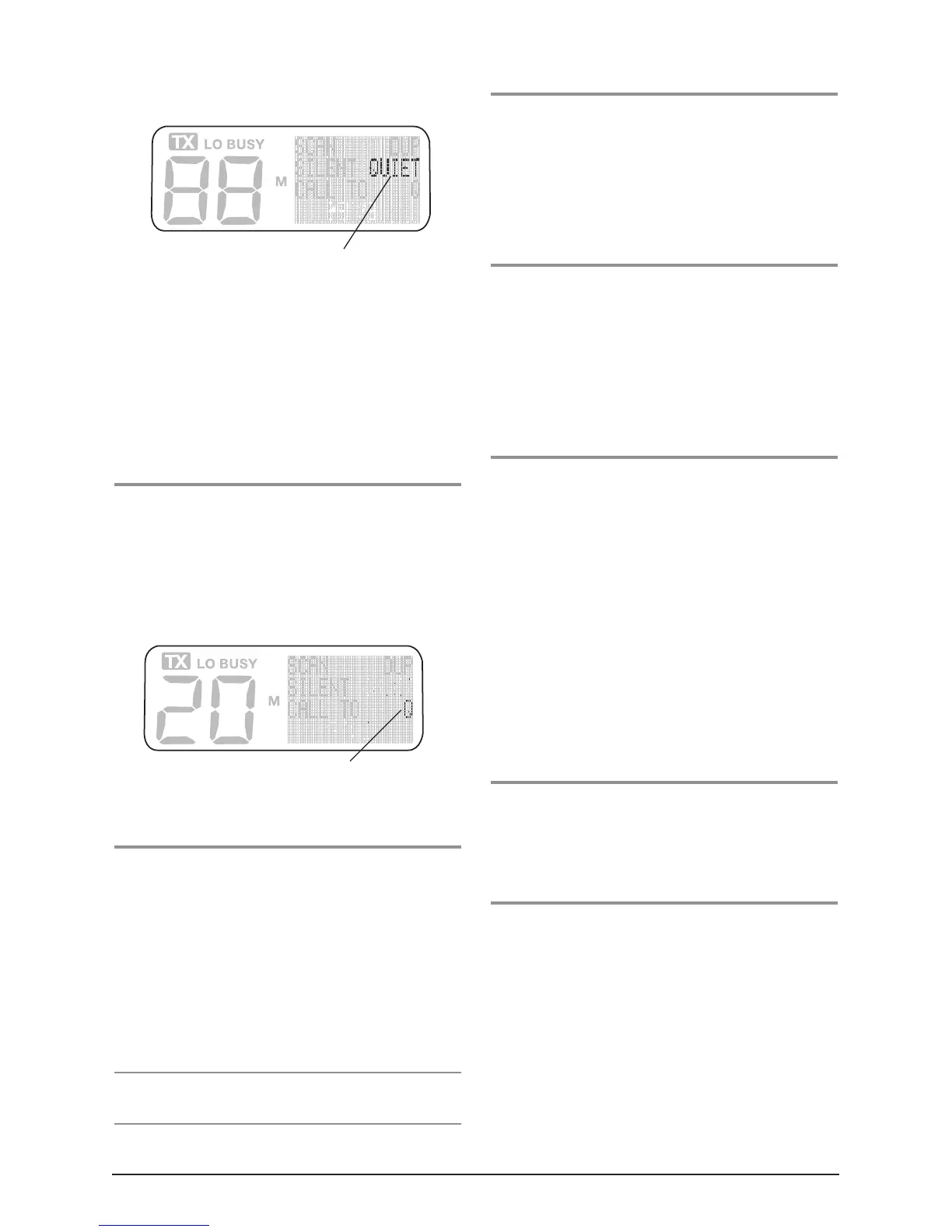
When quiet is enabled, you will see the QUIET icon on
the display.
The radio may be programmed to allow you to select
those channels you wish to use as quiet channels. This
is done by tagging the channels that you want to stay
quiet. Then, when QUIET is activated, the channels you
have tagged will remain quiet to all incoming signals.
Channels not tagged will operate normally. The Quiet
key is also used to tag these channels.
To Tag a Channel for use in the
QUIET Mode
1. Select the required channel using the channel selector.
2. Press and HOLD the Quiet key until a high beep is
heard.
The Q icon will appear on the display, indicating that the
selected channel is now tagged for use with Selcall in the
QUIET mode.
3. Repeat steps 1 and 2 to tag any other channels.
To Activate the QUIET Mode
1. Select a channel which has been tagged for quiet
operation (Q will be visible on the display)
2. Briefly press the Quiet key.
A high beep will be heard and the QUIET icon will
appear on the display.
Now all channels that have been tagged for quiet
operation will stay quiet unless a Selcall is received.
Channels that are not tagged will still allow all signals to
be heard.
NOTE: You cannot activate the Quiet mode unless you
have selected a ‘tagged’ channel with ‘Q’ displayed.
To De-activate the QUIET Mode
1. Select a channel that has been tagged for quiet
operation (Q and QUIET will be visible on the display)
2. Briefly press the Quiet key. A low beep will be heard
and QUIET icon will disappear from the display and
all channels tagged for Quiet operation will now
operate normally again.
To Remove the QUIET Tagging
1. Select a channel that has been tagged for Quiet
operation. Q will be displayed to the right of the
channel number.
2. Press and HOLD the Quiet key until a low beep is
heard. The Q icon will disappear from the display,
indicating that the selected channel is no longer
tagged for use with Selcall in the Quiet mode.
Receiving Signals in the QUIET Mode
•
If a normal signal is received on a QUIET channel,
the channel will appear busy but no sound will be
heard from the speaker. This means you will not be
disturbed by the signal.
•
If a normal signal is received on an Open channel (one
that is not tagged with ‘Q’) the signal will be heard in
the usual way.
•
If a signal containing your Selcall Ident is received on
any channel - Open or QUIET - the QUIET mode will
be cancelled and the alarm will beep to alert you to
the call. In addition, the callers Ident or Name will be
displayed. All channels will now be open for normal
transmission and reception.
Scanning in the QUIET Mode
The TX4800 may be programmed to allow you to scan
while the QUIET mode is active. You can then monitor a
group of Quiet channels or a combination of Quiet and
Open channels.
To Scan in the QUIET Mode
1. Press the OS/GS key to select the required Scan group
(if available).
2. Select the channels you wish to remain Quiet and tag
each one with ‘Q’.
3. With a tagged channel selected, briefly press the
Quiet button to activate the QUIET Mode.
4. Now press the SCAN key. The radio will begin
scanning and ‘SCAN’ will be displayed.
QUIET is enabled on this channel
Selected channel is tagged for QUIET mode



 To Next Page