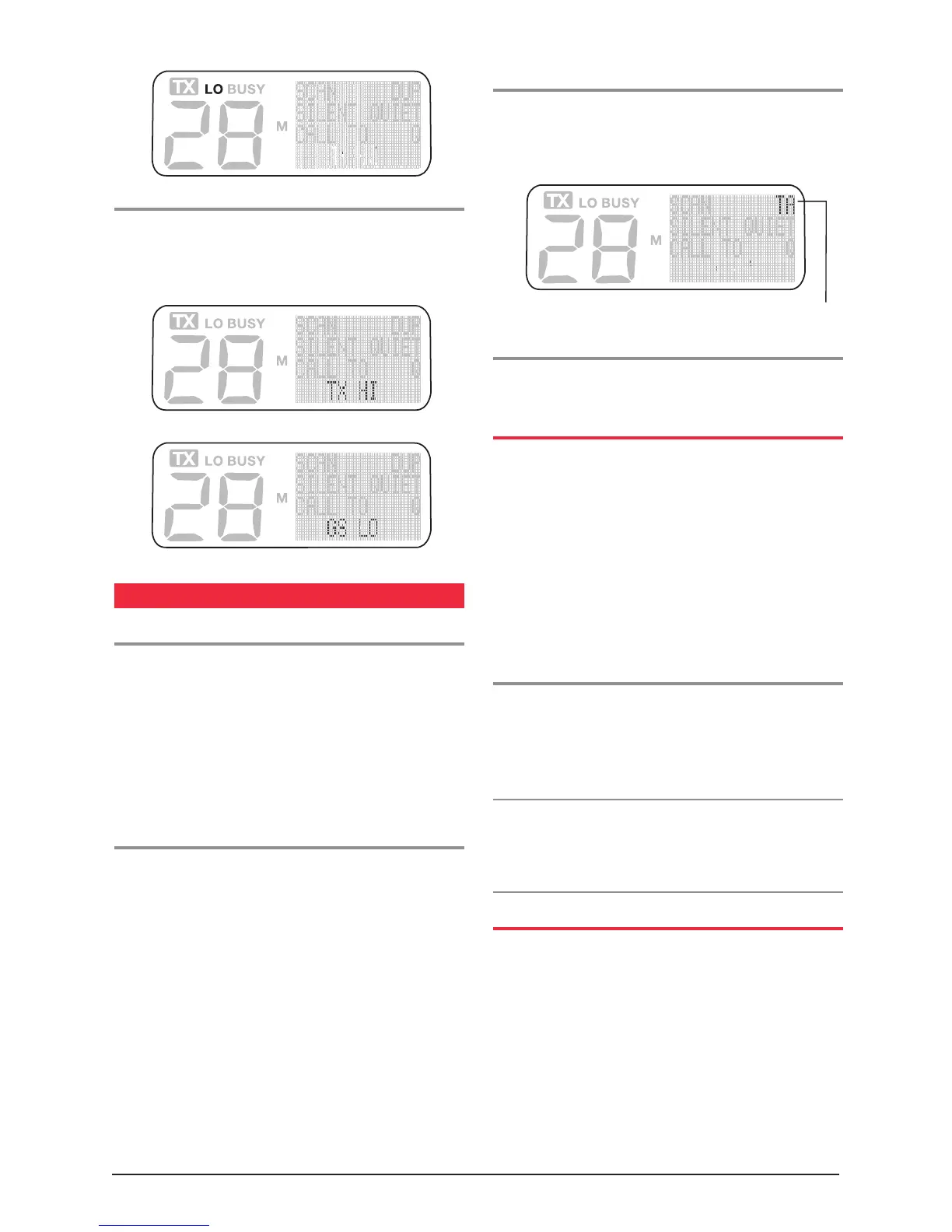
To return to High Power mode
Briefly press the Low Power key again. A high beep will
be heard and TX HI will appear momentarily on the lower
left of the display.
REPEATERS AND TALK AROUND
Repeaters
Some of the channels in the radio may be programmed
for operation through a repeater system. The repeater is
a transmitter/receiver system installed in a high location.
It is used to increase the range of the radio by receiving
calls and automatically re-transmitting them. Because
the receiver and transmitter will be operating on different
channels, you will not be able to talk directly to another
radio except through the repeater.
Talk Around
The Talk Around feature is designed to overcome the
problem of not being able to talk directly to another
radio when a repeater channel is selected. It may be
necessary to talk directly to another radio when out of
range of the repeater. Instead of being isolated and not
able to communicate, press the Talk Around button (if
programmed) to force the radio to transmit and receive
on the same channel. This will allow you to talk to other
radios within direct range of your radio. Of course, the
radio you want to talk to must also select Talk Around
if they want to talk back to you. Note that the distance
over which you can communicate will be much less than it
would be through the repeater.
To Select Talk Around
Briefly press the Talk Around key. A high beep will be
heard and TA will appear on the display. You can now
talk to the other radio in the usual way.
To cancel Talk Around
Briefly press the Talk Around key again. A low beep will
be heard and TA will disappear from the display.
THE MONITOR KEY
The monitor key is used to monitor (listen) to a channel
that would normally remain squelched (quiet) under the
control of a CTCSS or DCS tone. When subaudible squelch
tones are being used, there may be other users talking on
the channel (i.e. the BUSY icon appears on the display),
but you will not be able to hear anything. Pressing the
Monitor key overrides the subaudible squelch code
to allow you to hear these signals. The Monitor key
is often used to check that the channel is clear before
transmitting.
To listen for Signals on the Channel
Press and HOLD the Monitor key to listen for signals
on the channel. A low beep will be heard as the key is
pressed. The key must be held down continuously for the
signals to be heard. Release the key to return to quiet
CTCSS/DCS operation. You will hear a high beep.
NOTE: Pressing the Monitor key does not open the
Squelch, it simply overrides the CTCSS/DCS tone decoder.
If there are no signals on the channel, the radio will still
remain quiet and no receiver noise will be heard.
PROGRAMMING RECALL CHANNELS
Any of the function keys can be programmed for use as
Recall channels. These allow you to select an often-used
channel with a single key press. Recall channels can either
be preset by the Dealer, or made user programmable
to allow you to store your own choice of channels. If
one or more of these keys are enabled for use as user
programmable recall channels, you can program your
own channels as follows over page:
Talk Around Symbol



 To Next Page