9
Fury X-3 Installaon and Operang Instrucons
OPERATING INSTRUCTIONS
1
2
3
4
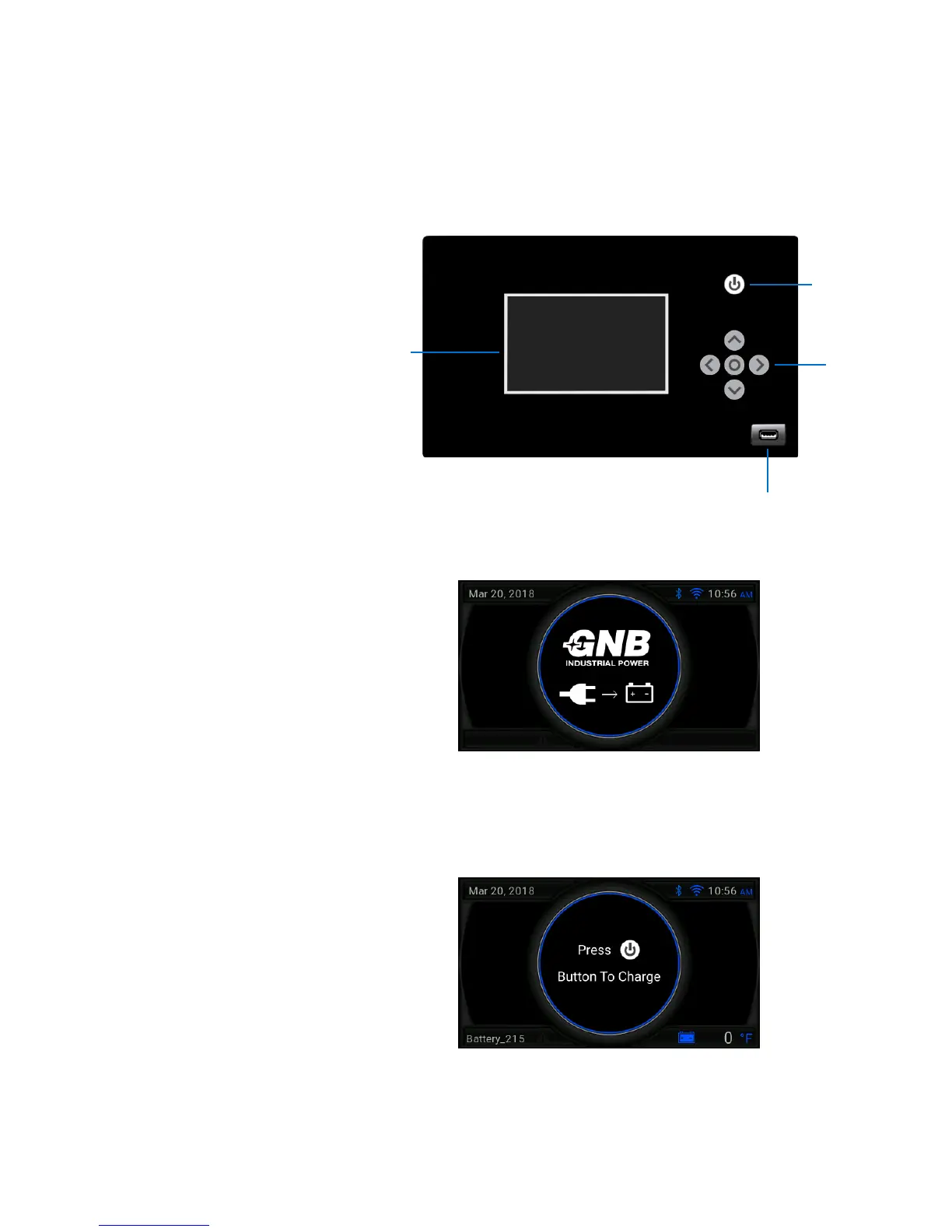
Control Panel Features
Charger Operaon
Start Charging
1. 4.3" Backlit Color Graphic Display
2. USB Port for Updates and Data Transfer
3. Navigaon Buons
4. Start/Stop Buon
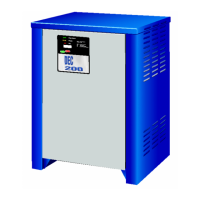
Connect Baery:
If a baery is not connected, the Connect Baery Screen
is displayed. To start a charge cycle, aach charger cables
to the baery. The charger will inialize the baery and
be ready to start charging.
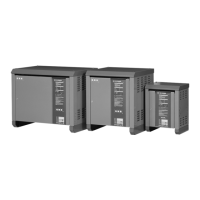
Start Charging:
If a baery is connected, the Press Start Screen is
displayed. Press the START/STOP buon to begin
charging. If AutoStart is enabled, the charger will begin
charging automacally aer a 10 second countdown
when a baery is connected to the unit.


 To Next Page