30
BEFORE WI-FI CONNECTION
Download our Smartphone App
Precaution Before Use
03. APPLICATION
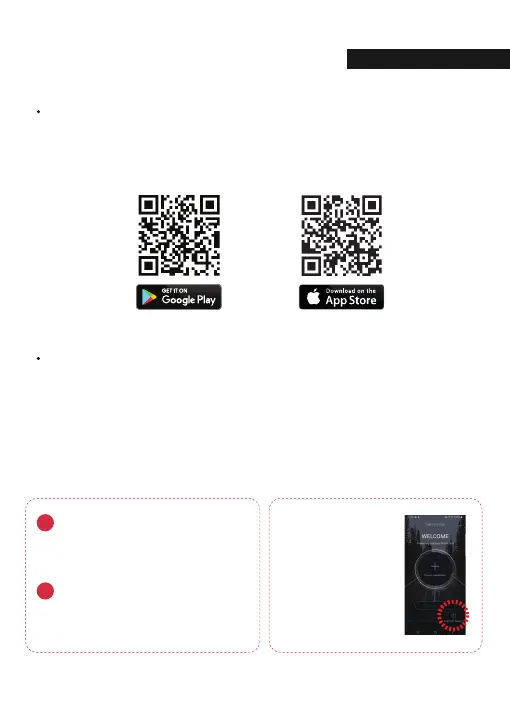
- Available for Android and Apple iOS. Search “GNET” on Google Play and Apple App Store.
- Or simply scan our QR Code
- Set the time zone on the GENT app or the viewer.
- Smartphone make, model, or specication can interfere and delay real time video playback.
- DO NOT operate the device or adjust App settings while driving.
Please always safely pull over when interacting with GNET products.
Wi-Fi USB module information
Compatible with only
"RealTek 8188CUS(RTL 8188CUS, RTL 8188EU)" chip
Connect the Wi-Fi USB module when power is off.
Otherwise it might cause the damage of Wi-Fi module.
Wi-Fi USB module connection
If the connection fails
Please go to "Customer
Support" section at the
bottom of the mobile app
screen for help with
connection.



 To Next Page