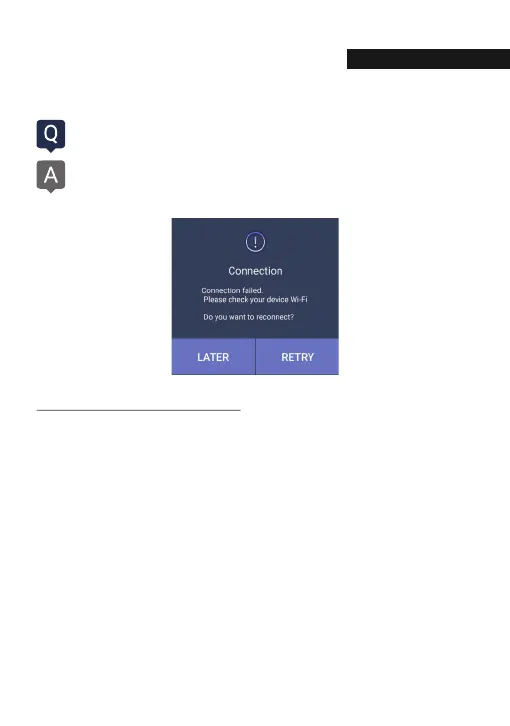
My smartphone can not be connected with dashboard camera.
Depending on the smartphone settings, some smartphones may be
disconnected due to weak Internet signals. This is not a problem with the
product or smartphone application, please refer to the solution below.
74
1. Smart network switch lets you stay connected by switching to available cellular
data sources whenever your Wi-Fi connection becomes unstable.
1) Swipe down from the top of the screen to pull down the Notification Shade.
2) Tap the Settings button in the top right corner of your screen
3) Tap Wi-Fi.
4) Tap More in the upper right corner of your screen
5) Tap Smart network switch.
6) Tap on or off in the pop-up message box.
※ Sometimes due to lack of memory of smartphone, smartphone can not be connected
with dash camera. If you do not want to connect even after completing the above
ways, please clean the memory in the smartphone or quit all running applications.
How to check Wi-Fi connection
Q&A
UESTI
N AND ANSWE



 To Next Page